New FileX Manager

device-2017-02-26-222804
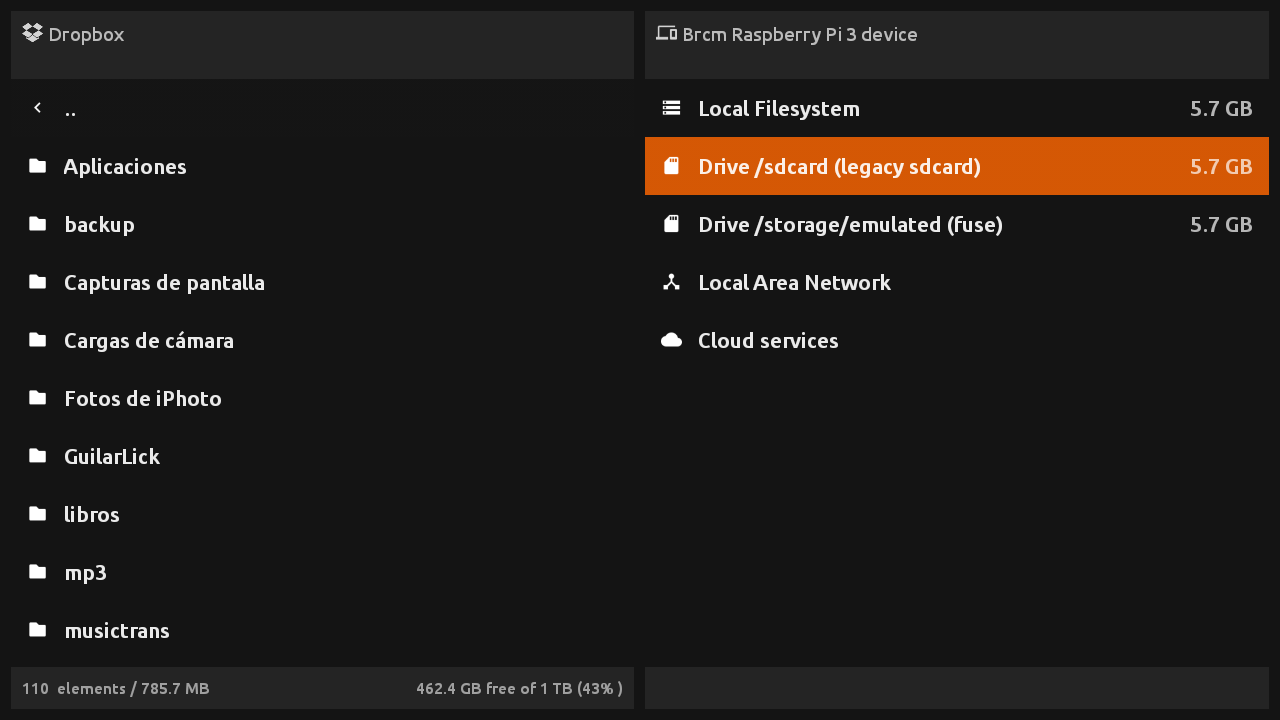
Since today a new application for Android TV devices has been released: FileX Manager.  As the name suggest, this app will help you manage your files on Android TV devices like the NVIDIA Shield TV, Amazon Fire TV, Amazon FireStick, Xiaomi Mi Box and even generic chinese TV Boxes.

This app has been designed to work **without the need of a pointer **, you can perform all operations with the D-Pad in your remote.

Note that this is an early release, but why wait for the advanced features if you can start using it today. And YES, as you may be guessing, it has been put into Frambu 1.1, so you can copy or sideload anything to your Raspberry Pi based RetroX setup from now on.

The current version is FREE for all the RetroX users. No trial, no ads, just you and your files.

This is a standalone application with more advanced features than the same file browser that you find embedded in RetroX, that’s not a surprise because both use the same codebase.

With FileX you can:

  • Manage your local files
  • Manage your files stored in Google Drive, DropBox, One Drive and Box cloud services
  • Manage your files stored in your NAS or shared in a Windows Network (SMB/CIFS)
  • Open compressed files as if they were simple folders (zip, 7z and rar files are supported)

More info at FileX Manager official page.
Release 2.6.2: MAME and FBA ROM handling improvements

New RetroX release. Codename: A-MAME.

Many users – including me – suffered when trying to play MAME or FBA games without using a full ROM set. This was because these games can be splitted into several files: One main .zip file plus several small files containing just the differences for region specific versions, bootlegs, etc. Without the info at hand, it’s very easy to miss some files and in that case the emulator just crashed.

Until now.

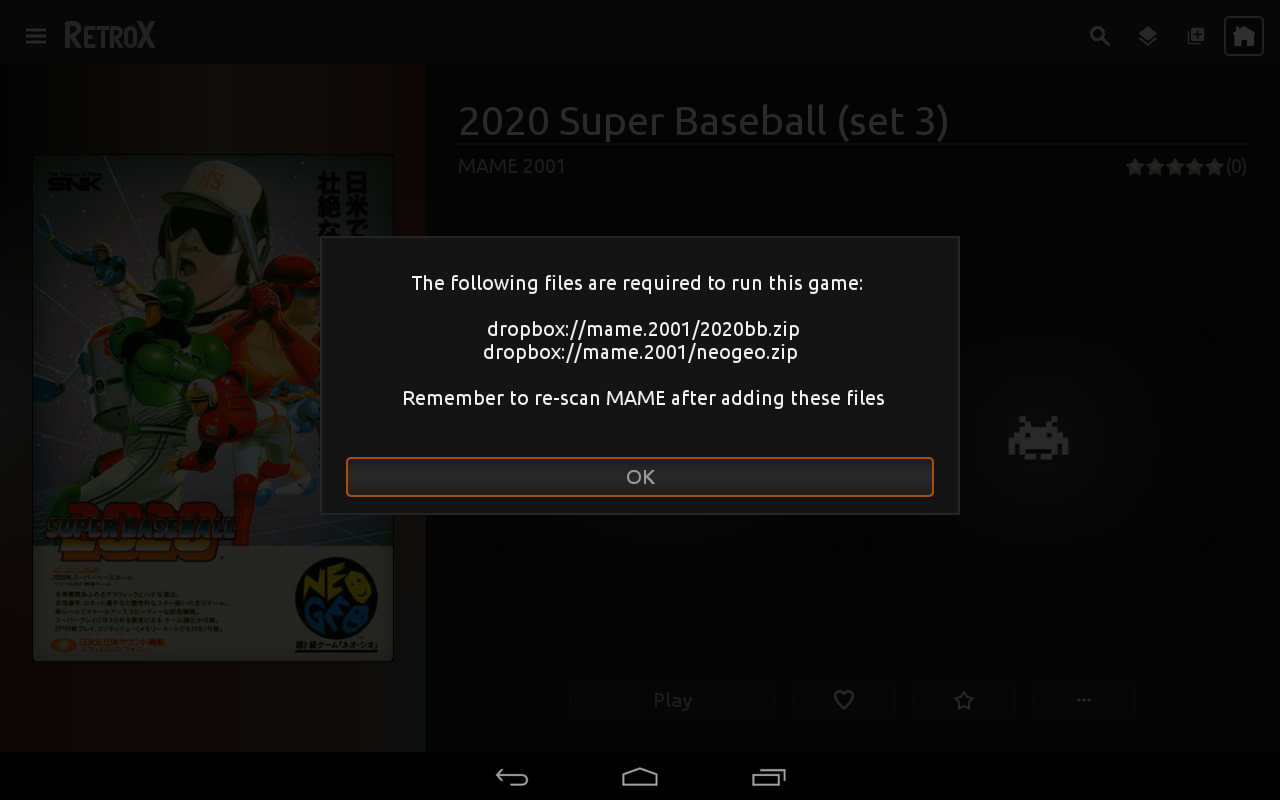
With this release the user will be able to know which files are missing and where they should be made available.

This feature was NOT planned, I was fixing a different problem and that required this kind of knowledge to be integrated in the app. If the ROM file was stored in a NAS or cloud, only that file was retrieved and not all the needed ones, so many many games just crashed. If you had MAME/FBA games in a network storage and the emulator crashed, this was the reason.

And… that fix wasn’t planned as well! I was fixing a bug that may have been crashing some emulators: If a large file download or transfer failed or was cancelled by the user, the file was kept and RX would never try to download it again, crashing the emulator when used.

And… that fix was because I wanted fix the problem that not all network operations were showing the progress info, neither can be cancelled…

I just wanted to test my new Xiaomi MiBoxTV!

device-2017-02-20-183351
RetroX asking for missing MAME files