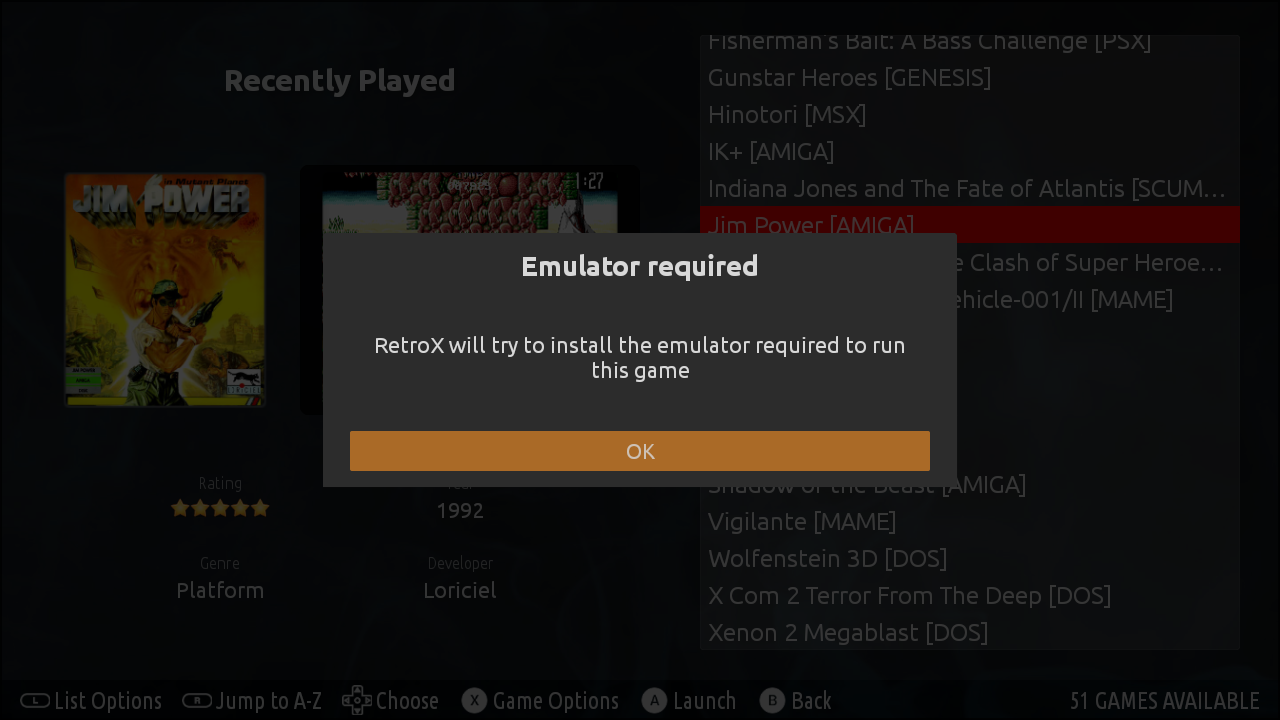
We found a problem with recent Android Oreo updates: The system allowed RetroX to install one or two emulators then stopped installing anything else. The behaviour that you can see is that RetroX will prepare to install an emulator and then it does nothing, or sometimes the install window is seen on the screen then killed by Android.
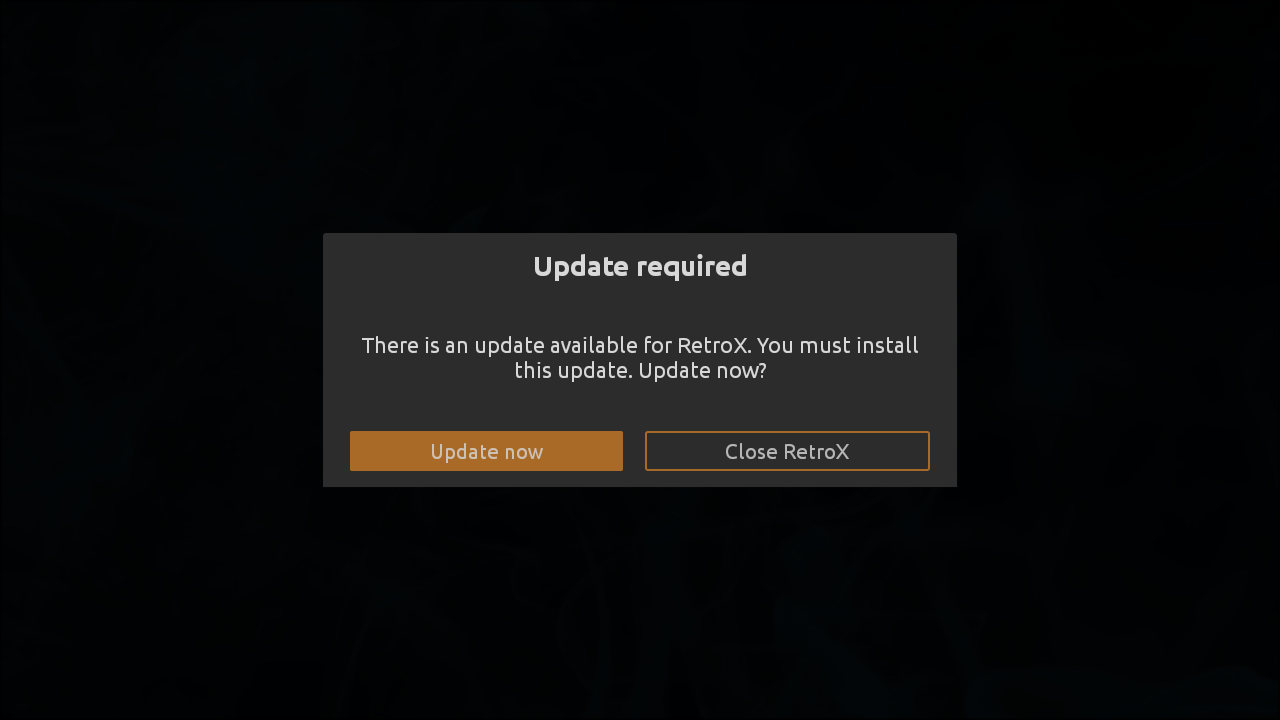
The fix is already published as “Silent Oreo”, but because of this same problem, RetroX can’t install the update. If that happens to you, just download and install RetroX again. Don’t uninstall, just install over so it updates the current installation.
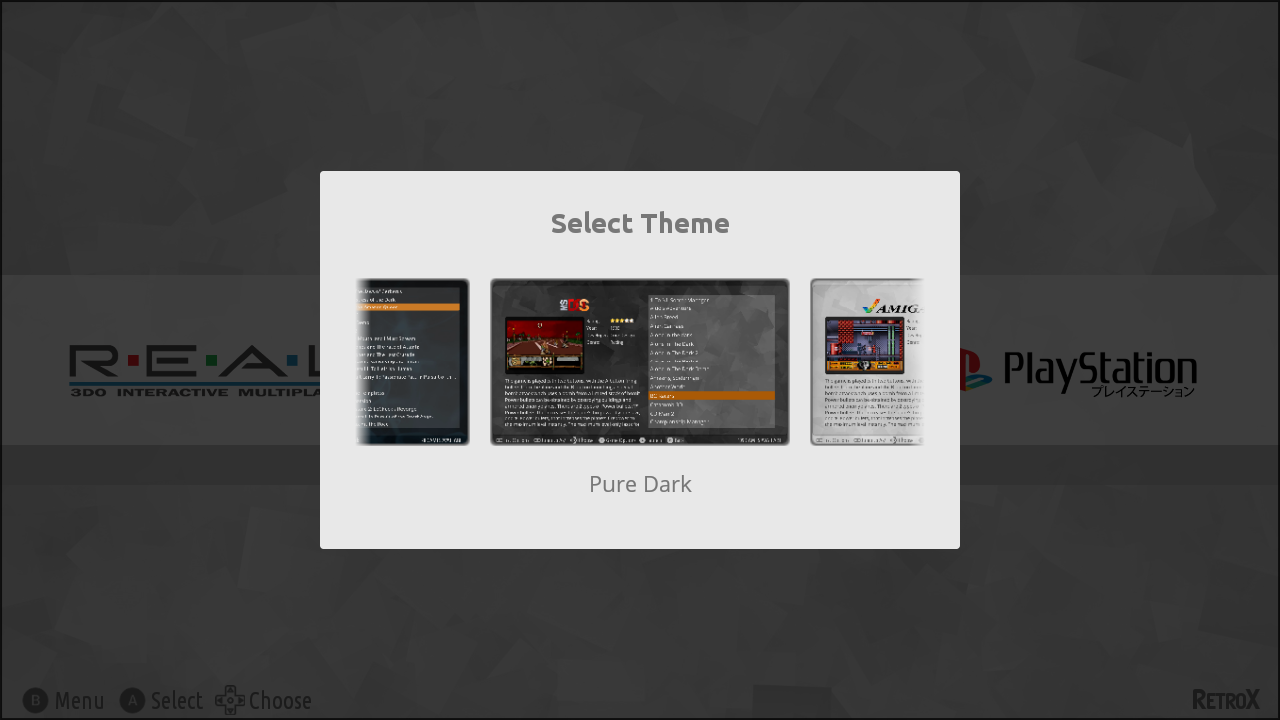
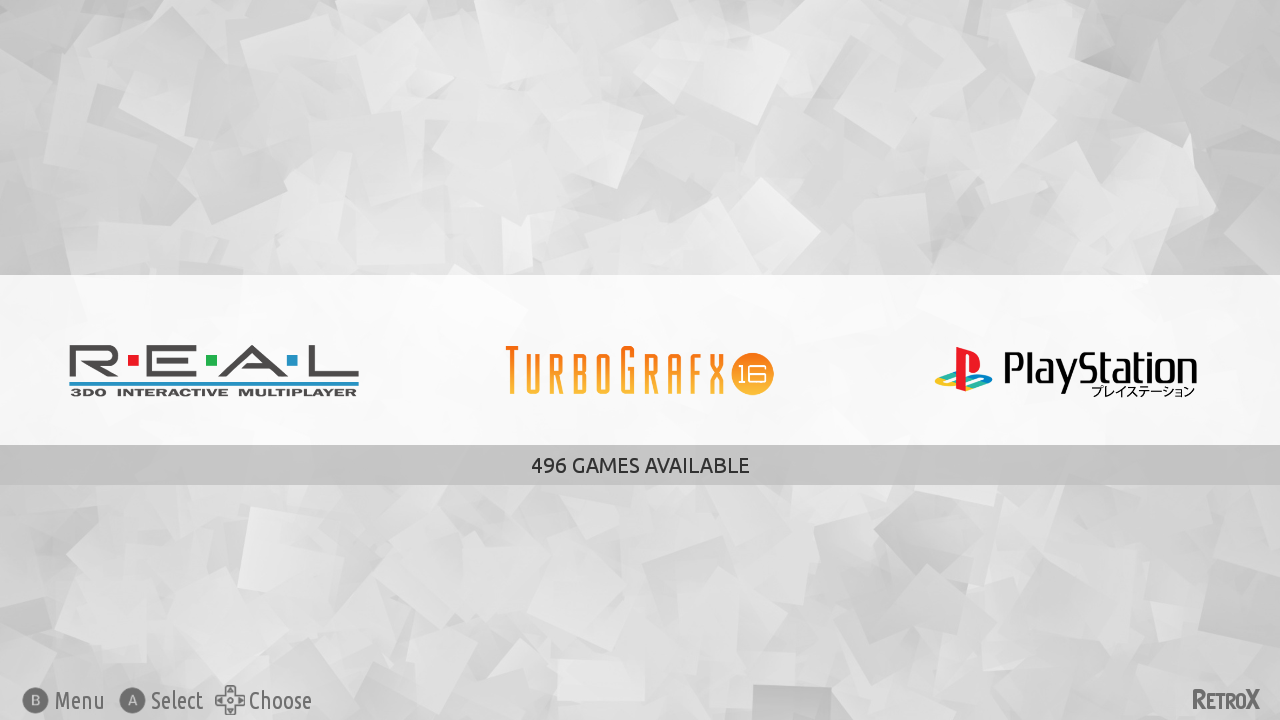
A new feature has been added to RetroX to allow using different user interfaces for the same application, this is known as Themes.
The main focus of RetroX has always been to make playing retro games the as easy as possible, just select one game and RetroX will do the best it can to run that game. How the app looked was important but second in priority, we just wanted to provide a clean look inspired of what apps like Plex and Netflix were doing at that time (2015). As time passed other emulation frontends began to do a great job on their user interfaces and given that the ease to use was well established in RetroX it was time to give some love to the way RetroX looks.
Themes is nothing new, and in fact we think that Emulation Station (ES/RetroPie) has a great themeing system, so instead of creating something completely new with all the risks involved, we made a theme engine to easily port ES themes or just create new ones from scratch.
For now, themes is not enabled by default, it is designed for TV boxes only and marked as Experimental. We’ve been testing it for a long time with many beta users but there are always some surprises when new features are exposed to all the RetroX users.
To enable Themes go to Settings -> Display -> User Interface -> TV + Themes Theme selector
Built in themes
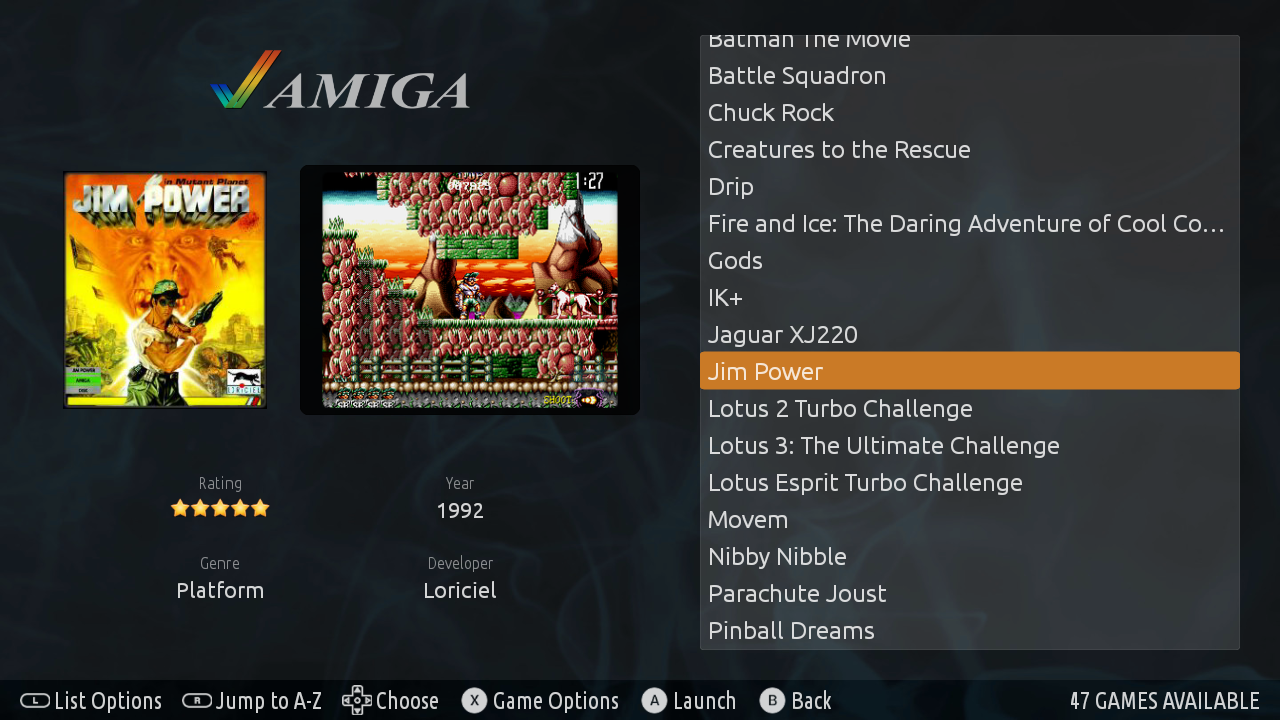
RetroX comes with three built in themes, one inspired in the classical clean look (RetroX Classic) and two simple themes with a light and dark mood (Plain Light, Plain Dark), but this is just the beginning, we will be adding more themes in future releases.
While in development we ported the popular Comic Book to RetroX just to test the theme engine and it looks great, that is the theme that most people have seen in our video previews of themes, but the authors of Comic Book forbid commercial distribution so we cannot include it built in RetroX, yet users can add it to their RetroX setups manually (more on that below).
RetroX Classic Theme
Background music
Together with themes we added a feature to have background music. In the past, several videos used background music when showing RetroX, and that music gave some kind of life to RetroX, now it’s a built in feature. Of course there are options to select songs or simply shut off the music, so users are always in control.
How to add themes and music
Adding themes and music is as easy as copying files to your device, you only need to know where your “retrox.data” folder is. This is commonly located under /sdcard/ but that varies from device to device.
Themes: They are distributed as .zip files and must be copied to the retrox.data/themes folder. You can try with ComicBook or NES Mini unofficial ports.
Music: They go to the retrox.data/music folder. Currently we only support modtracker formats like .mod, .s3m and .it. There are tons of songs to choose from in modarchive.org.
As it happened with ComicBook, we used several songs by Lizardking in our demos of RetroX, but we were unable to contact him to use his music built in RetroX. If you liked those demos you can find the songs Compulsion to Obey and Desert Down here.
The future
This is just the beginning. The plans for Themes is still a long way to go, this release was done because we didn’t want you to wait any longer.
We will release a themes tutorial so other people can create themes and we plan to put the best themes available for download from RetroX, yes: online themes.
We also want to add more theme styles that will allow different kinds of navigation or game display, video snaps, automatic collections (NeoGeo, Capcom, etc).
The Oreo release of Android broke several emulators and most of them have been fixed up to this date, but one particular exception is the Amiga emulator (UAE2All2) which will require more time to fix, or as an alternative, be replaced by a new emulator.
Some fixes in Oreo made some hidden bugs become evident in this emulator, making it crash when opening and closing the in-game menu. These bugs were found and fixed and initially it seemed that the problem was solved, but later I found that there is a random crash that happens sometimes when you open the in-game menu.
For a long time I kept this version in hold hoping to find a solution for the random crash, meanwhile the public version of the emulator just crashed at all times. So I finally decided that a random crash is better than a certain crash, even when deep inside I know that both alternatives are bad, although I don’t want people to wait any longer.
This random crash has been tracked down, but the error happens deep inside Android where I cannot see exactly what is causing it. If you are a developer, keep reading in case you may help me fix this problem.
Normal users will receive the update, but expect random crashes.
Bug details (for developers)
The Amiga emulator is SDL based, where they have a thread to update the GL surface. When the in-game menu is opened, this thread is “paused”, the screen neither the emulator is run and the GL thread keeps waiting in a loop.
Android performs all GUI operations in one thread, the “main” thread, so before the main menu is shown, this main thread pauses the GL thread, waits until the GL wait loop is being run and then opens the main menu. Sometimes, when Android is displaying the menu it enters a deadlock.
From the scarce thread dumps that I have seen, it seems to be a problem rendering the text. Apparently, there is no other thread doing something with the GUI so in theory this lock should never fail, but it fails.
The only stack trace available of this deadlock is native:
"ora.uae4all.sdl" sysTid=29880
#00 pc 00018dbc /system/lib/libc.so
(syscall+28)
#01 pc 000b38cd /system/lib/libart.so
(_ZN3art17ConditionVariable16WaitHoldingLocksEPNS_6ThreadE+88)
#02 pc 00192e73 /system/lib/libart.so
(_ZN3art2gc4Heap26IncrementDisableThreadFlipEPNS_6ThreadE+278)
#03 pc 00291367 /system/lib/libart.so
(_ZN3art3JNI17GetStringCriticalEP7_JNIEnvP8_jstringPh+454)
#04 pc 000d8469 /system/lib/libart.so
(_ZN3art8CheckJNI22GetStringCharsInternalEPKcP7_JNIEnvP8_jstringPhbb+544)
#05 pc 000cec6f /system/lib/libart.so
(_ZN3art8CheckJNI17GetStringCriticalEP7_JNIEnvP8_jstringPh+22)
#06 pc 000b8275 /system/lib/libandroid_runtime.so
(_ZN7androidL37android_os_Parcel_writeInterfaceTokenEP7_JNIEnvP7_jc
lassxP8_jstring+40)
#07 pc 00800dab /system/framework/arm/boot-framework.oat (offset 0x5c7000)
(android.app.admin.SecurityLog.readEventsO
nWrapping [DEDUPED]+130)
#08 pc 0001422f /dev/ashmem/dalvik-jit-code-cache (deleted)
The emulator is open source and the code is located in my github, if anybody wants to take a look, just send me a message for build instructions. Thanks in advance.