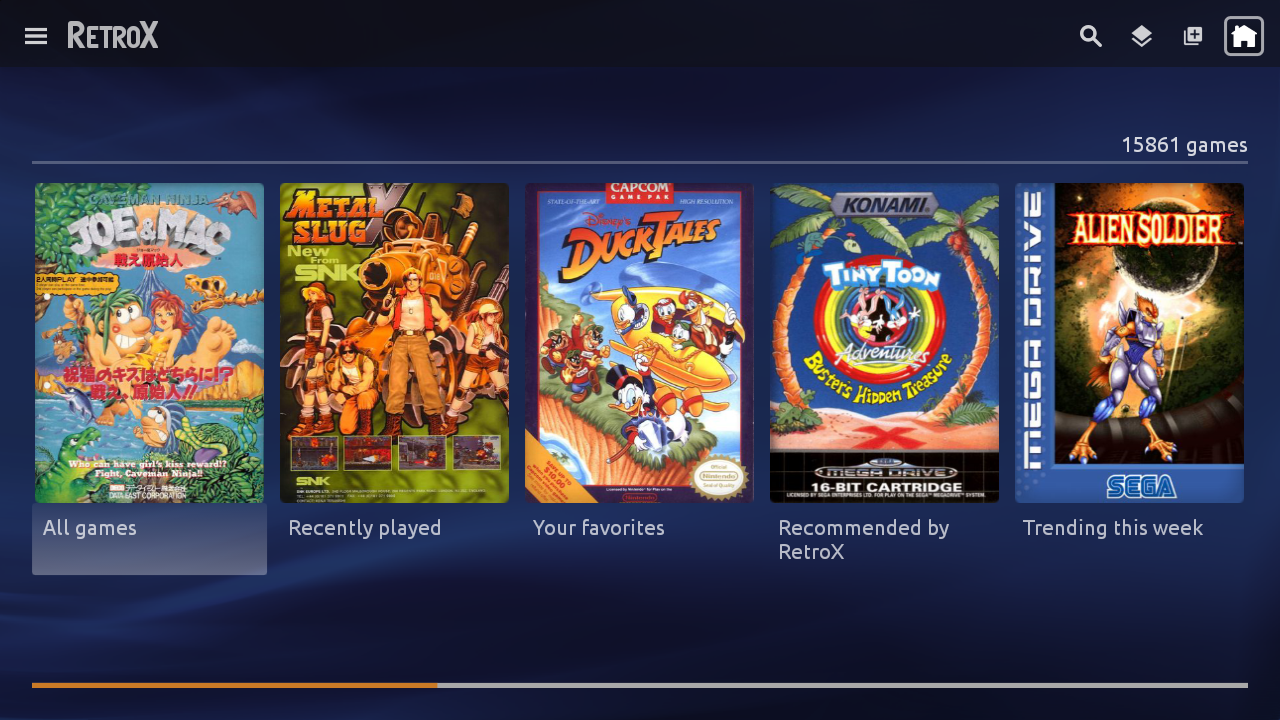
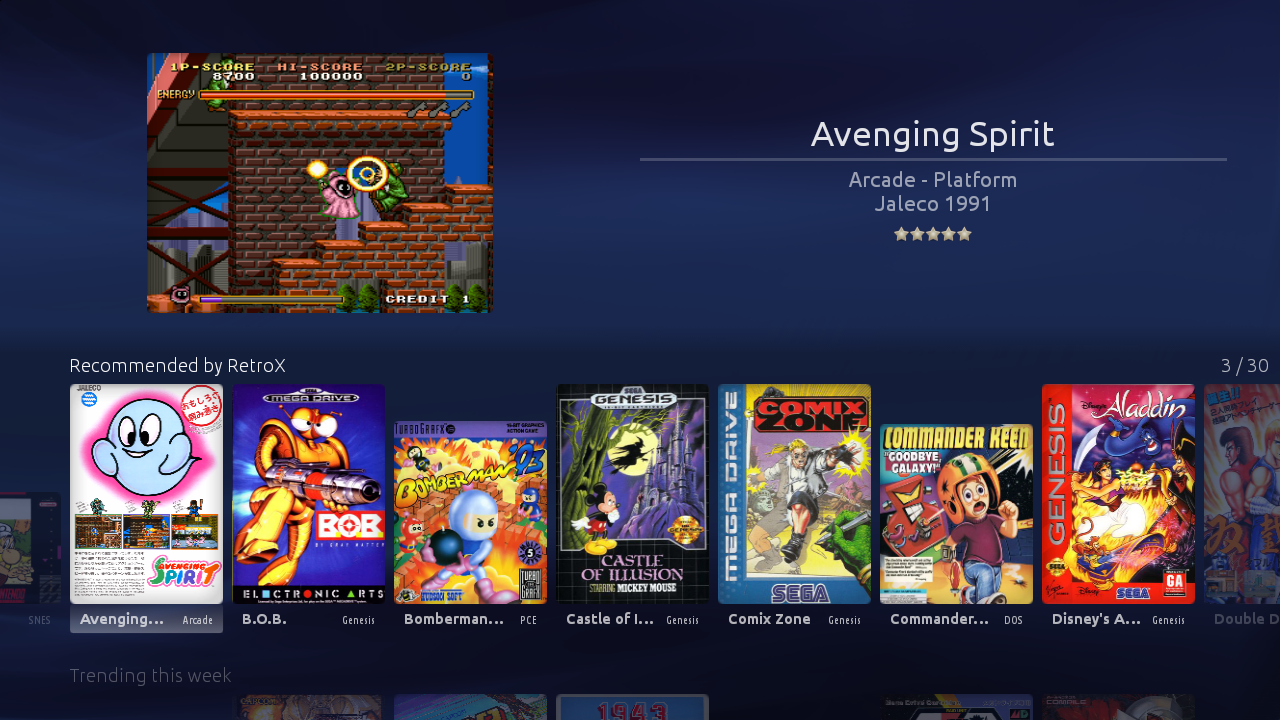
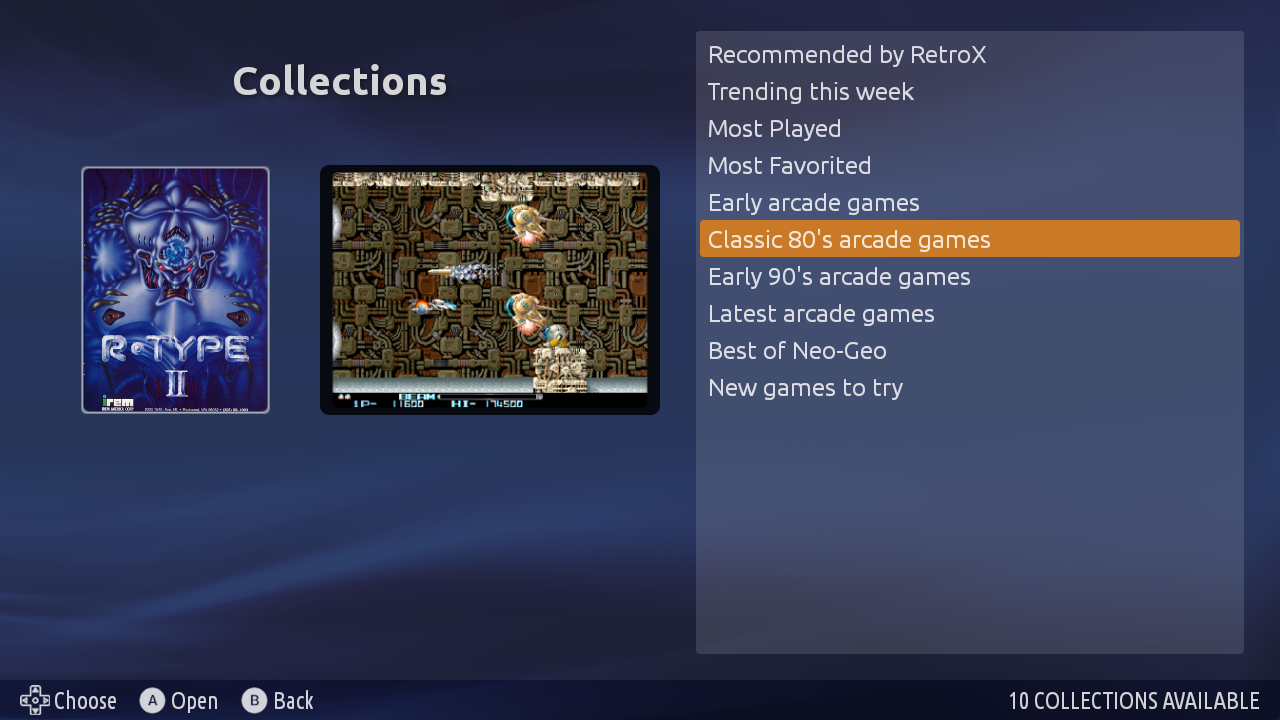
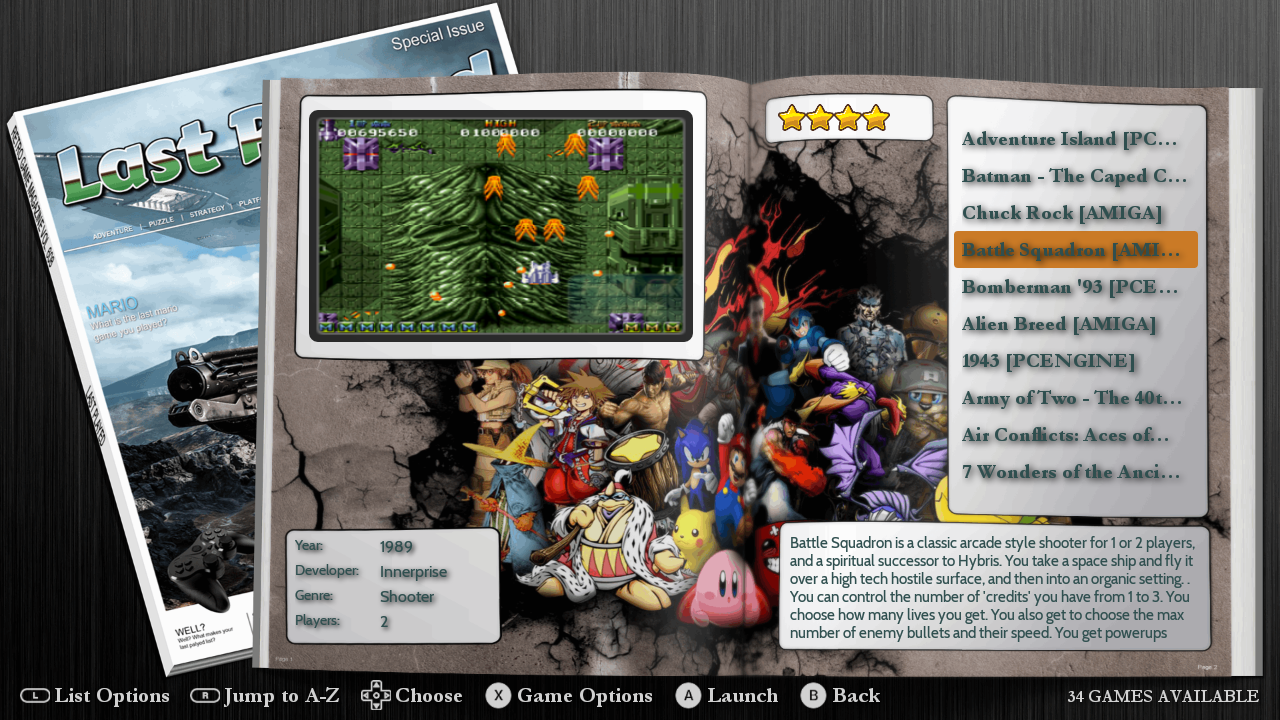
RetroX 3 is out now!! Yes, this version is a milestone that deserves its own version number! Apart from having the new Collections feature, all the UI for Mobile and standard TV mode has been improved… a lot.
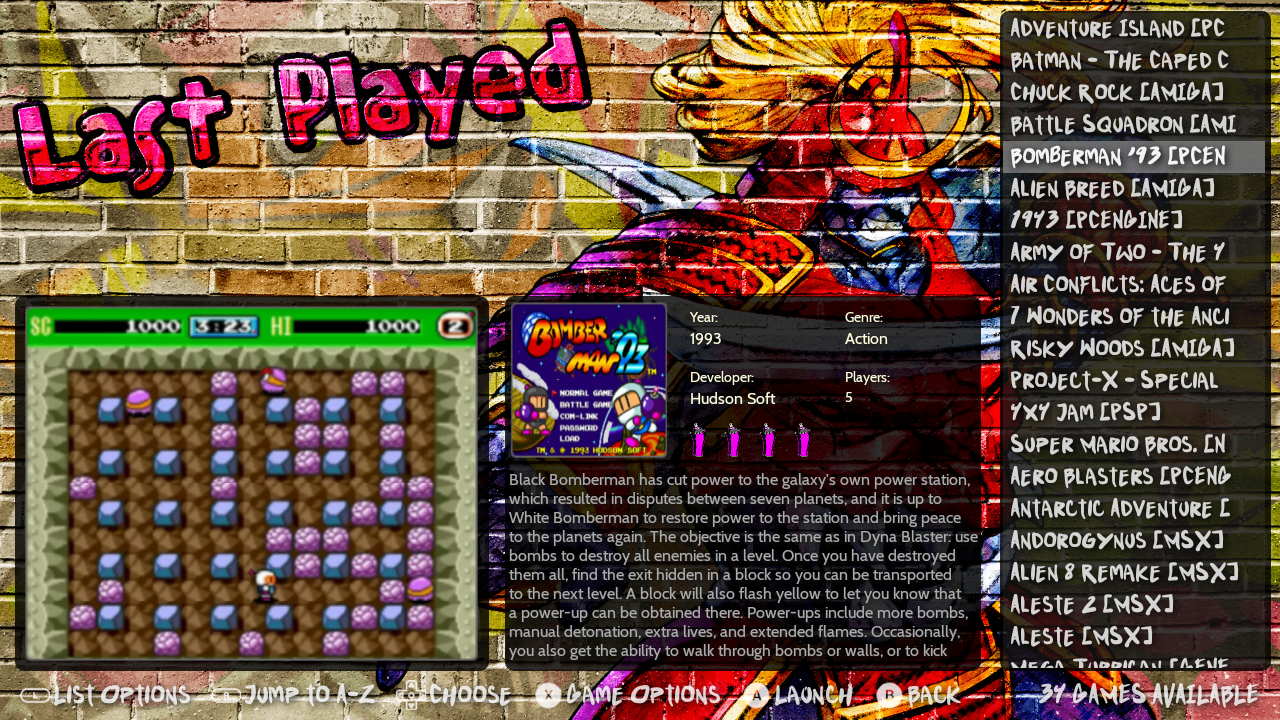
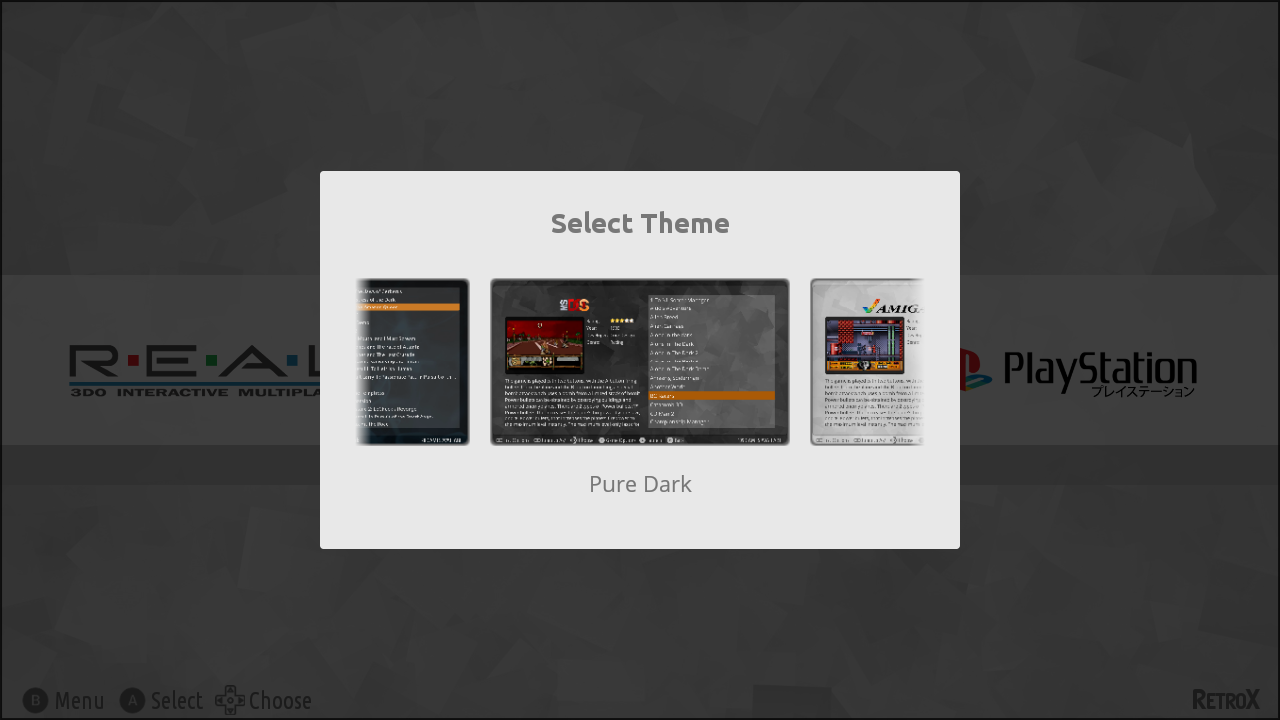
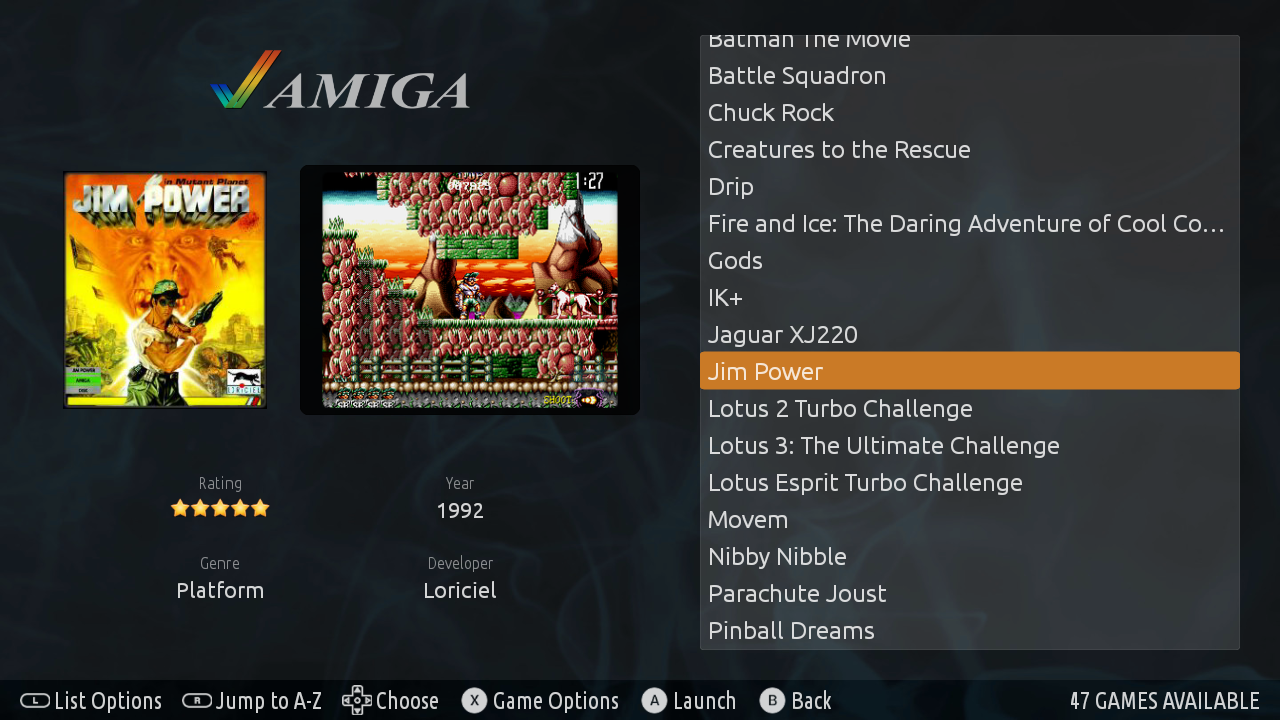
This version also includes three new themes, one is the built in RetroX theme that matches the mobile and standard TV mode, and the other two are new amazing themes ported by Nigel Rapley, who not only has been contributing with more themes, he also added the collections support for all existing themes. A big THANKS to Nigel!
There are some other “minor” changes like:
Support for multidisc 3DO games
Improved performance on slow devices when loading big collections (big, not huge 😉 )
Better mobile layout for small screens with 4:3 aspect ratio (Retroid Pocket 2)
Automatically silence video previews if background music is enabled
Faster / improved downloading of artwork from the RetroX server
Multiple fixes for multi disk games
Fixed a bug that sometimes prevented moving through covers in TV mode
… and more
And here is what comes in the next days because it is already in progress:
More collections
Updated data for trending/popular/recommended games
Some themes will be compatible with smalls screens (Retroid Pocket 2)
New default covers for games without artwork (partially done now)
A new option to show only games with artwork, no more manual cleaning needed
Just for stats: This version is 233 commits with 893 files changed. 14,679 additions and 3,987 deletions
Note: Some themes may require that you get the artwork from EmuMovies, you can do get it using a free EmuMovies account under Manage Games -> EmuMovies sync
A new feature has been added to RetroX to allow using different user interfaces for the same application, this is known as Themes.
The main focus of RetroX has always been to make playing retro games the as easy as possible, just select one game and RetroX will do the best it can to run that game. How the app looked was important but second in priority, we just wanted to provide a clean look inspired of what apps like Plex and Netflix were doing at that time (2015). As time passed other emulation frontends began to do a great job on their user interfaces and given that the ease to use was well established in RetroX it was time to give some love to the way RetroX looks.
Themes is nothing new, and in fact we think that Emulation Station (ES/RetroPie) has a great themeing system, so instead of creating something completely new with all the risks involved, we made a theme engine to easily port ES themes or just create new ones from scratch.
For now, themes is not enabled by default, it is designed for TV boxes only and marked as Experimental. We’ve been testing it for a long time with many beta users but there are always some surprises when new features are exposed to all the RetroX users.
To enable Themes go to Settings -> Display -> User Interface -> TV + Themes Theme selector
Built in themes
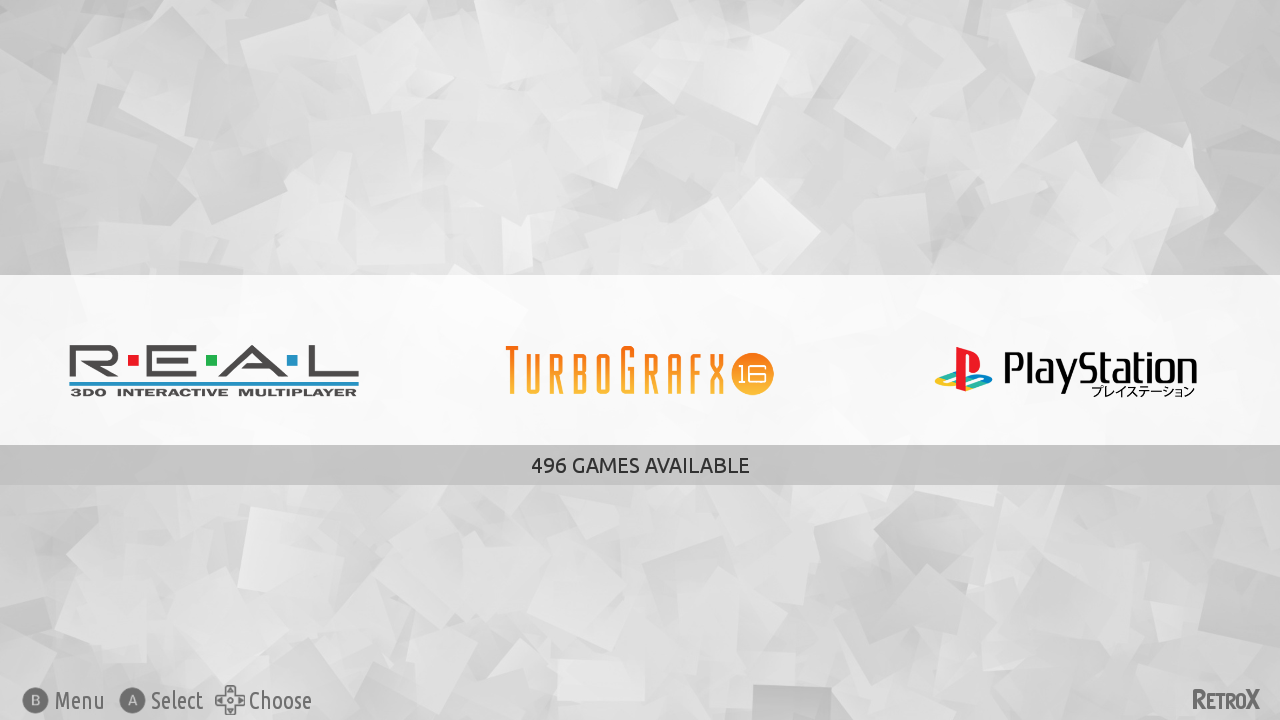
RetroX comes with three built in themes, one inspired in the classical clean look (RetroX Classic) and two simple themes with a light and dark mood (Plain Light, Plain Dark), but this is just the beginning, we will be adding more themes in future releases.
While in development we ported the popular Comic Book to RetroX just to test the theme engine and it looks great, that is the theme that most people have seen in our video previews of themes, but the authors of Comic Book forbid commercial distribution so we cannot include it built in RetroX, yet users can add it to their RetroX setups manually (more on that below).
RetroX Classic Theme
Background music
Together with themes we added a feature to have background music. In the past, several videos used background music when showing RetroX, and that music gave some kind of life to RetroX, now it’s a built in feature. Of course there are options to select songs or simply shut off the music, so users are always in control.
How to add themes and music
Adding themes and music is as easy as copying files to your device, you only need to know where your “retrox.data” folder is. This is commonly located under /sdcard/ but that varies from device to device.
Themes: They are distributed as .zip files and must be copied to the retrox.data/themes folder. You can try with ComicBook or NES Mini unofficial ports.
Music: They go to the retrox.data/music folder. Currently we only support modtracker formats like .mod, .s3m and .it. There are tons of songs to choose from in modarchive.org.
As it happened with ComicBook, we used several songs by Lizardking in our demos of RetroX, but we were unable to contact him to use his music built in RetroX. If you liked those demos you can find the songs Compulsion to Obey and Desert Down here.
The future
This is just the beginning. The plans for Themes is still a long way to go, this release was done because we didn’t want you to wait any longer.
We will release a themes tutorial so other people can create themes and we plan to put the best themes available for download from RetroX, yes: online themes.
We also want to add more theme styles that will allow different kinds of navigation or game display, video snaps, automatic collections (NeoGeo, Capcom, etc).
In the last weeks we have been making progressive steps to be more open to our users, like publishing our emulator porting libraries in github and allowing users to create their own themes, but we believed that we could do more. So, since today we have opened a forum to hear from you!! In our forums you can request features, ask for support, read our latest _unofficial_ news, and even share info and material about retro games and emulators.
Until now we have been using Facebook to be in touch with the users, but it’s hard to keep track of all the conversations, so we hope that these forums will allow us to build community with you, without restrictions.
With no further due, please go and start with our welcome message:
Lately I’ve been thinking a lot about why other frontends are so popular while they are only “front-ends”. Don’t take me wrong, I know that they have a lot of work behind, but I honestly think that RetroX is way ahead of most Android frontends in terms of ease of use and features. Only that it seems that this is not enough.
Watching videos in YouTube I find a lot of reviews of RetroPie / Emulation Station and some reviews of other frontends for Android presented as “the best”. Sometimes I write to the authors of those videos and they have never heard of RetroX before.
I have come to the conclusion that a lot of people is attracted by visuals, and I remember the old days of Linux when a lot of people wanted to install it just to have “The 3D cube”. So their rationale is to be attracted first and then try to figure out how to make it work, and probably it doesn’t matter how hard it could be, they just want to have what they saw. (It happened a lot with Linux circa 2004). The approach of RetroX has been the oposite, give the best technology to make the process easier, but if people is not attracted first, they will never get to that point.
Personally I prefer a clean view, soft colors, smooth fonts, but that’s me! Other people clearly prefer more “joyful” views. I’ve received some comments about this from several people (Allan Mcdonald, Lee Conduit and others) but I was too focused in other priorities that I didn’t worry much about it. I should add that one of my reasons to say “no” is that I thought I would spend a lot of time finding the appropiate colors, icons, background etc. Time that I prefer to focus on new features.
But now I opened my mind about it.
I will add a new “view/layout” to RetroX to make it themeable by anyone. This will allow other people to use their own skills and tastes to create their own realization of how RetroX should look. I’ll keep the current modes and will add a new “themeable” mode. From what I’ve seen in EmulationStation with a few elements people can create really beautiful themes, so I think that this will take RetroX to new unexplored grounds.
Why not before? May be I wasn’t aware of how communities can add their own views of what is best. Yes, I’m a bit of a dictator in RetroX but this new theme system will compensate my lack of graphical skills. I can provide the foundations and anyone interested will be able to build over it, something that was brought back to my mind after opening the source code of the RetroX libraries.
The above post was published in the RetroManiaUK group on Facebook, on Aprils 1st, but it is not an April fools joke. A few days ago I started to work on this feature, and it is looking good!