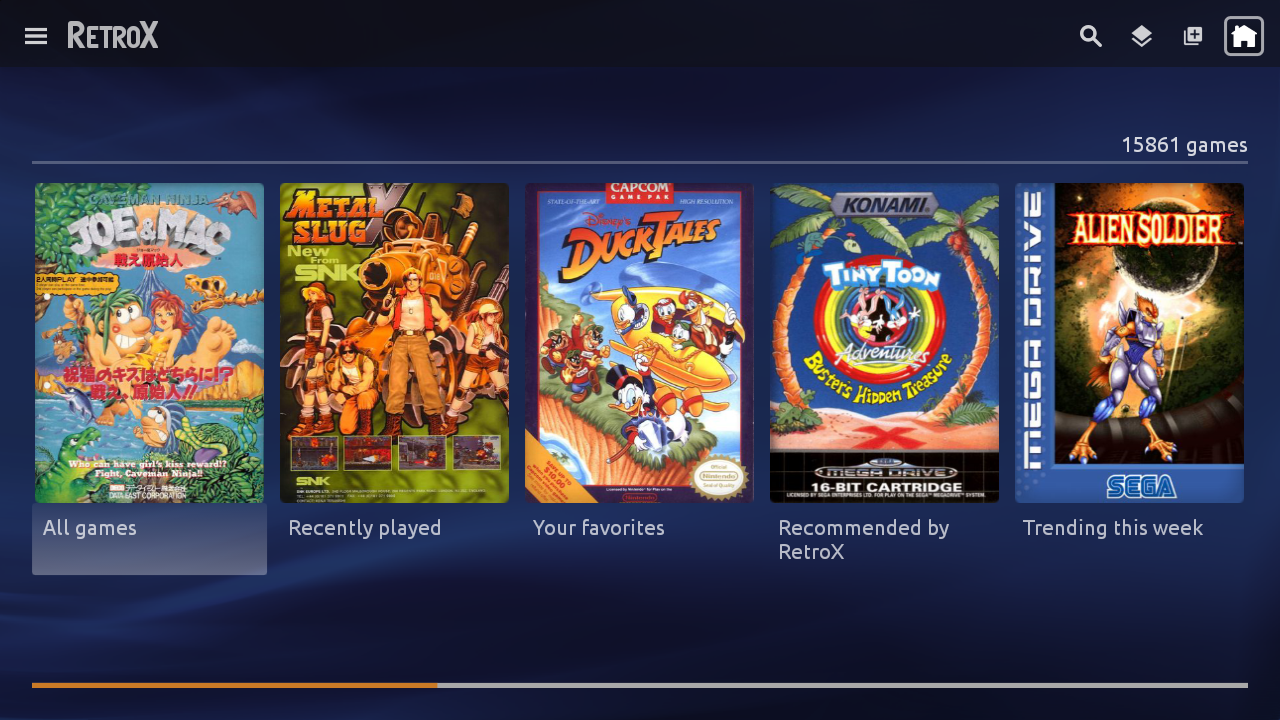
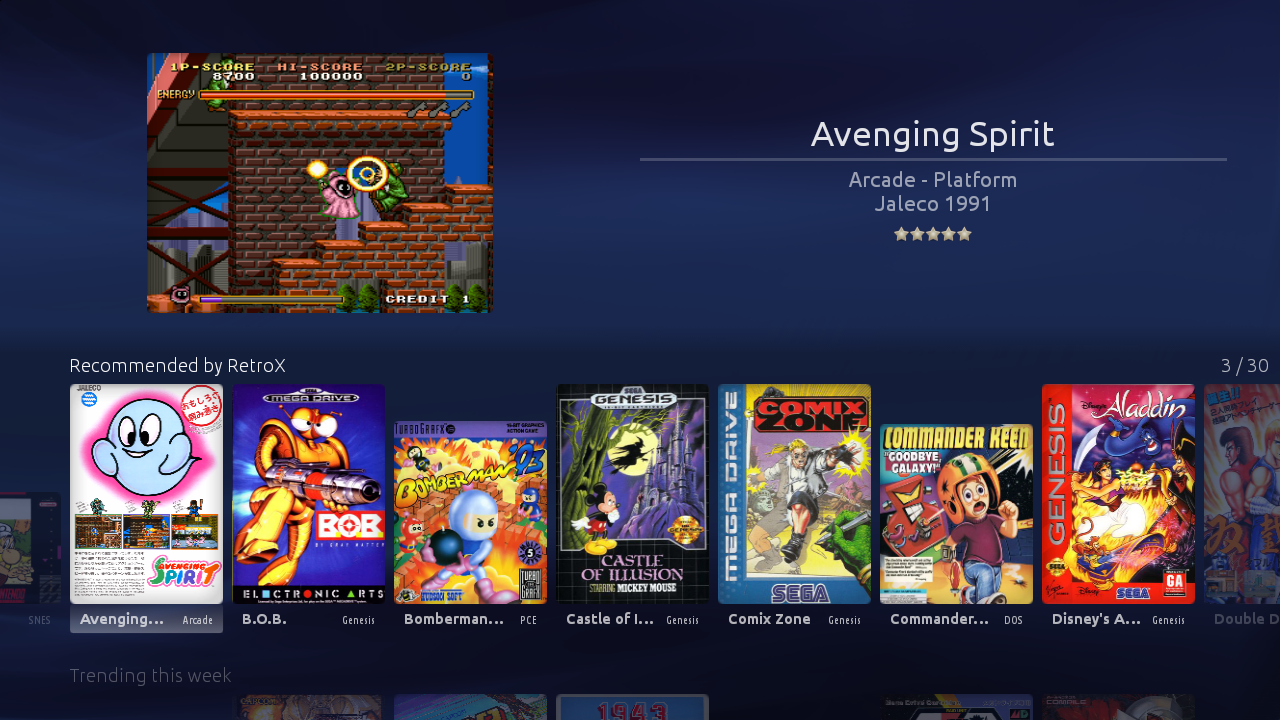
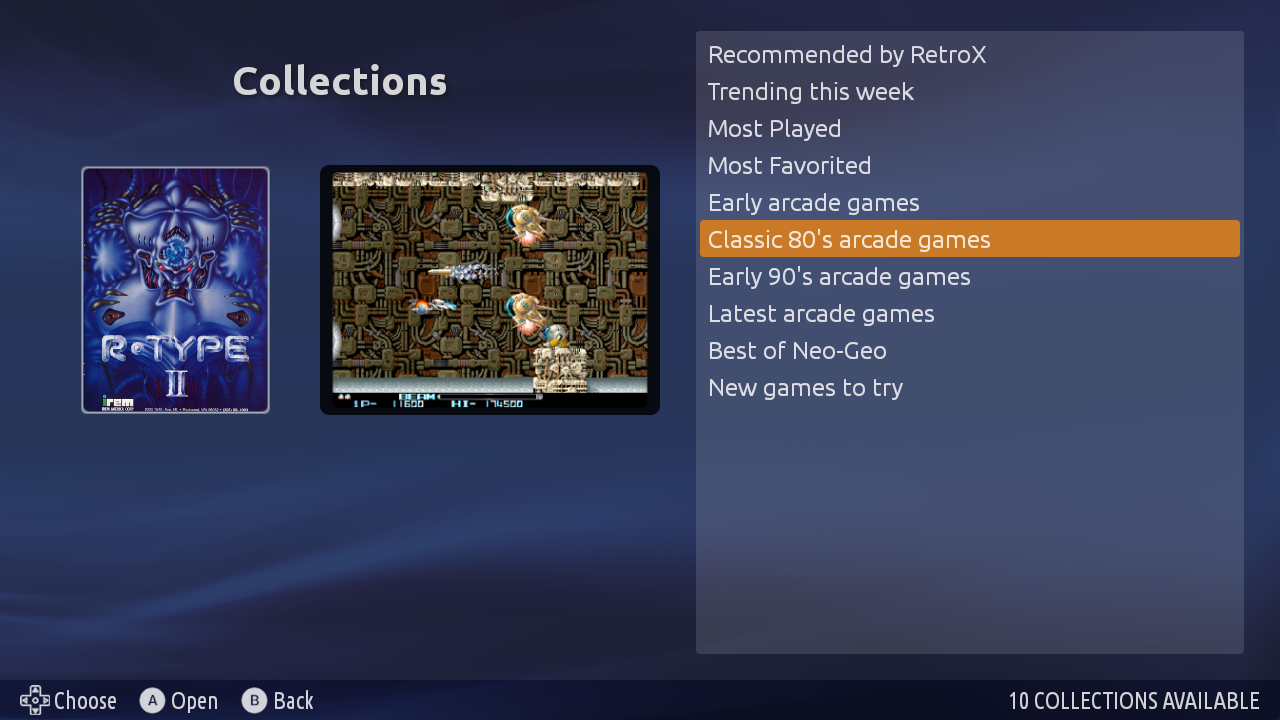
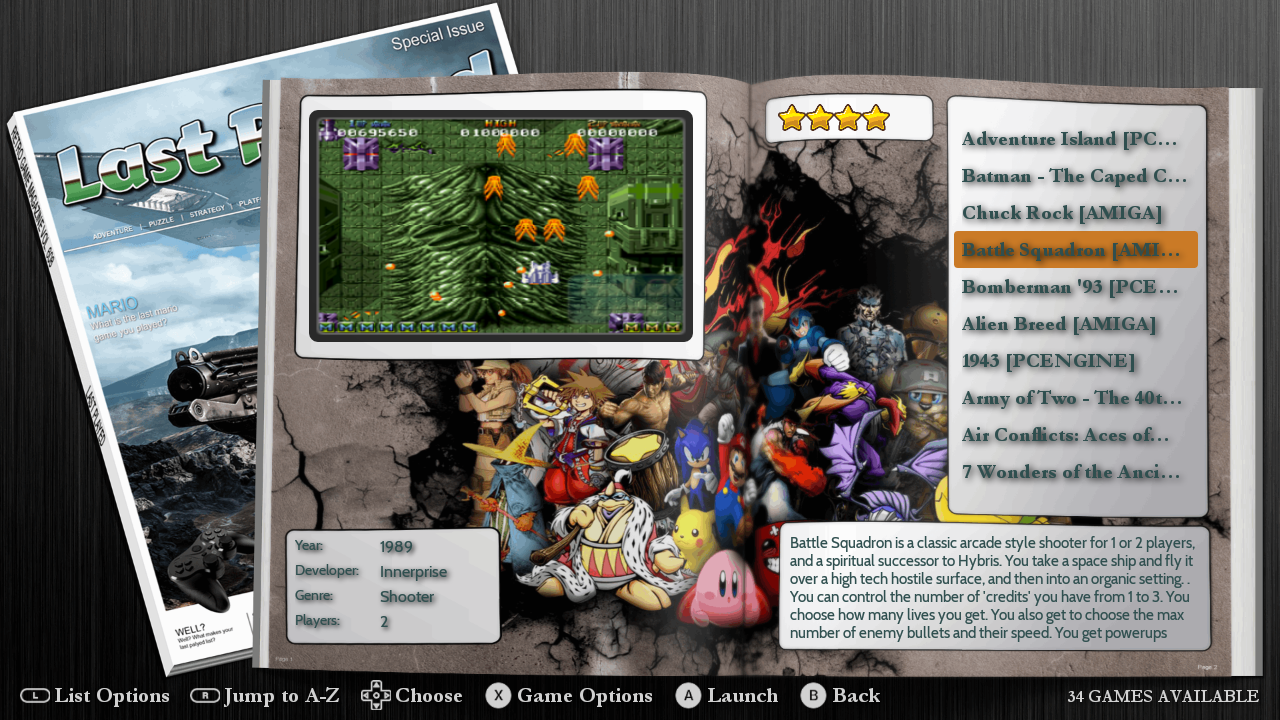
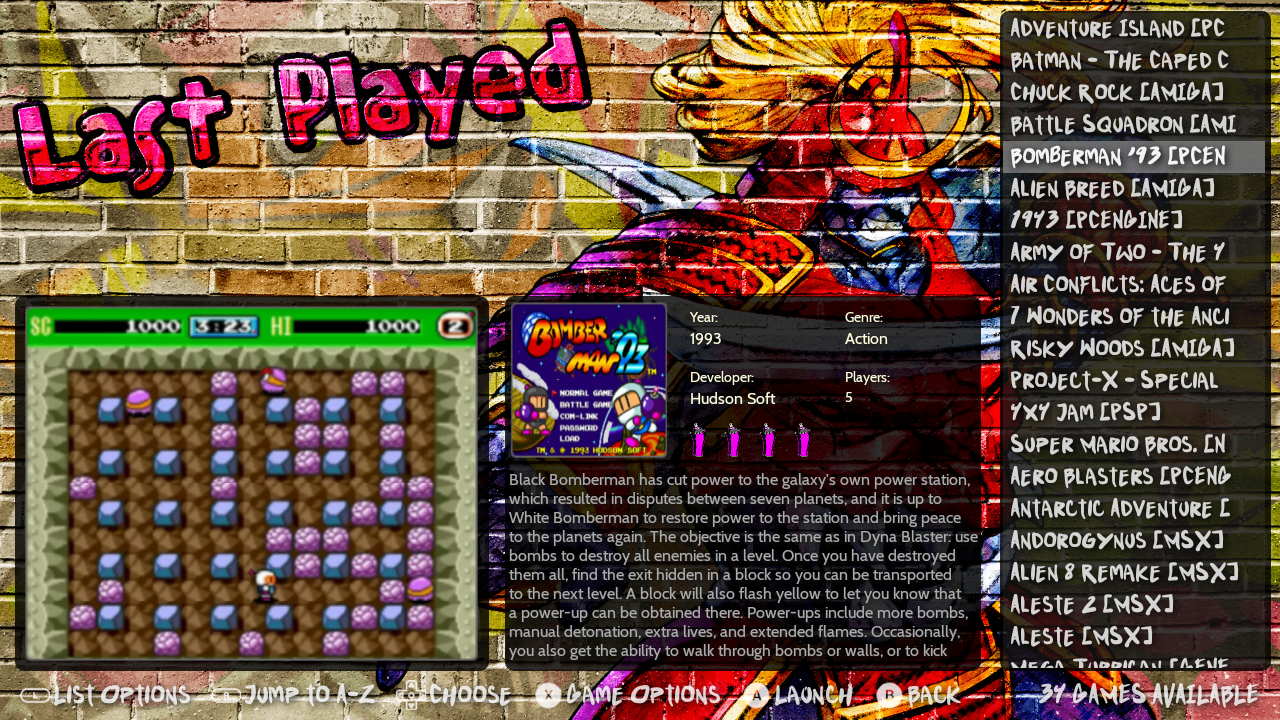
RetroX 3 is out now!! Yes, this version is a milestone that deserves its own version number! Apart from having the new Collections feature, all the UI for Mobile and standard TV mode has been improved… a lot.
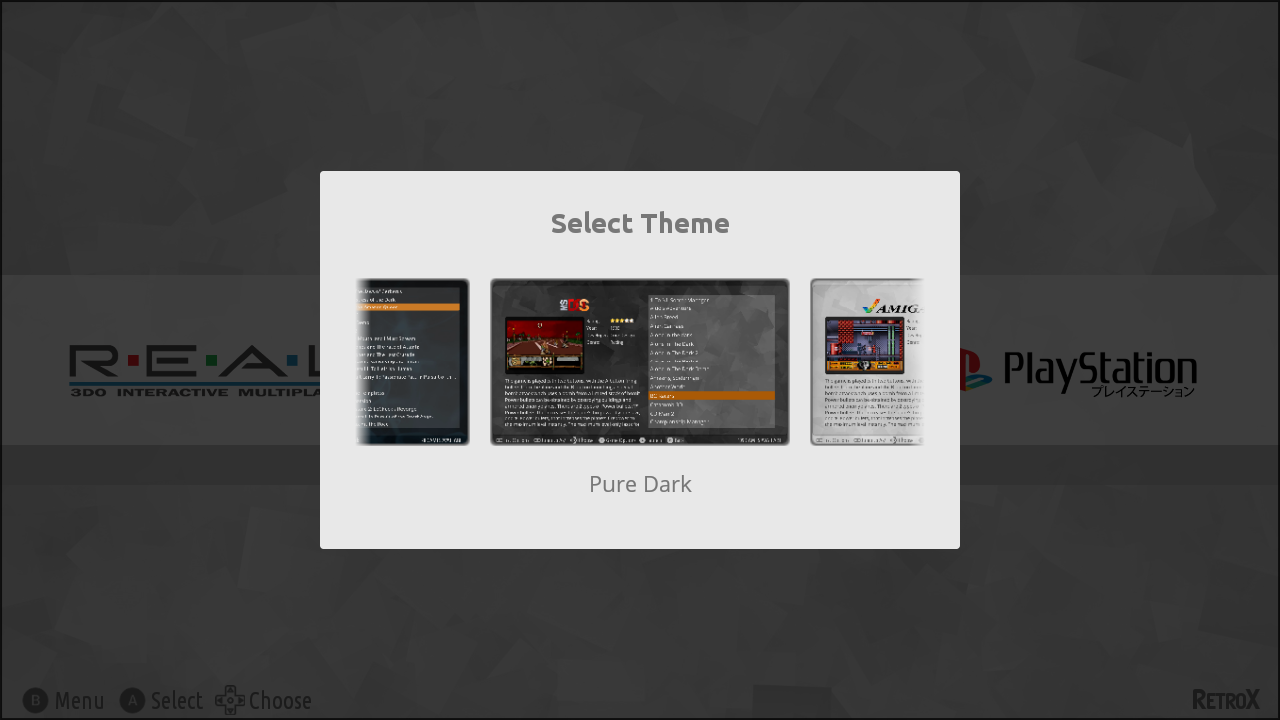
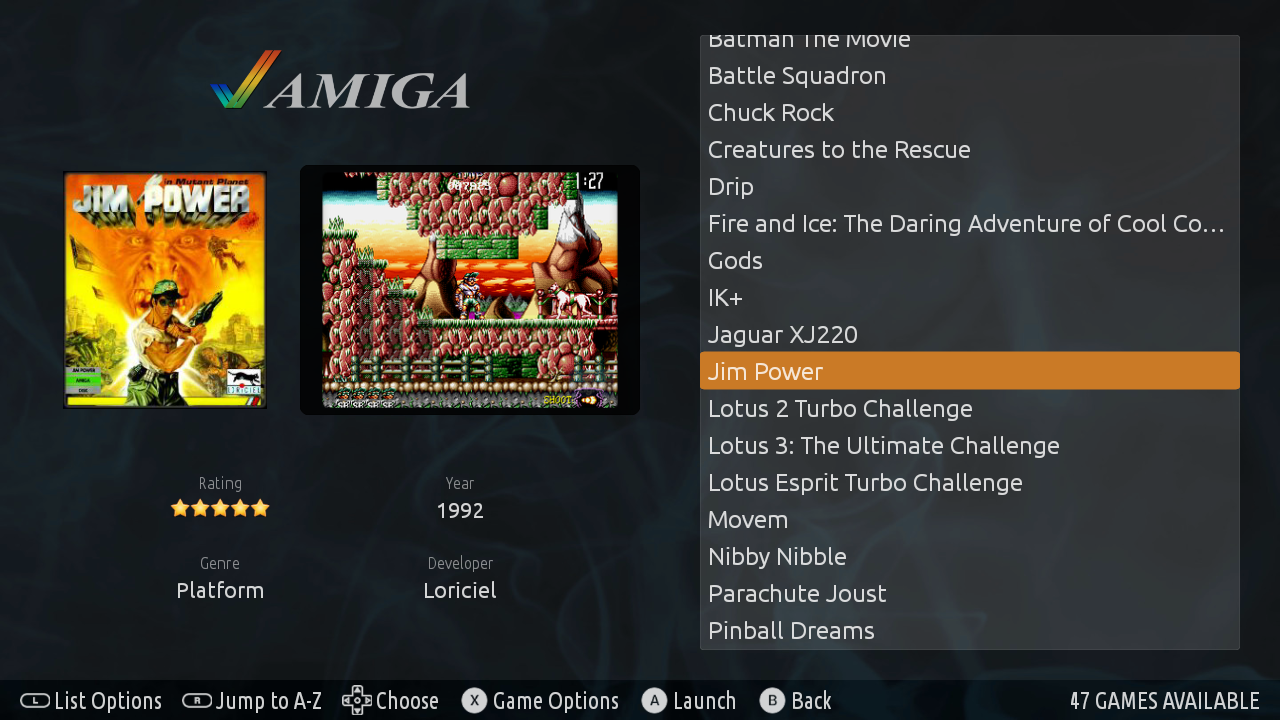
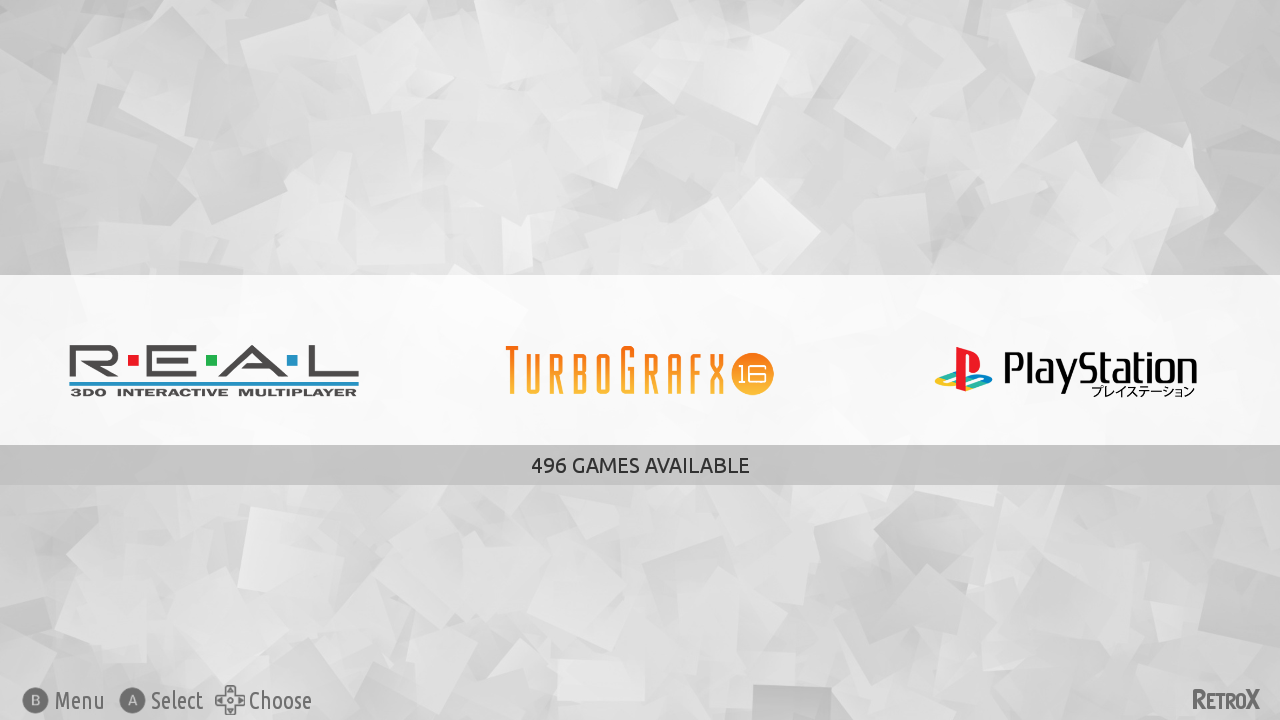
This version also includes three new themes, one is the built in RetroX theme that matches the mobile and standard TV mode, and the other two are new amazing themes ported by Nigel Rapley, who not only has been contributing with more themes, he also added the collections support for all existing themes. A big THANKS to Nigel!
There are some other “minor” changes like:
Support for multidisc 3DO games
Improved performance on slow devices when loading big collections (big, not huge 😉 )
Better mobile layout for small screens with 4:3 aspect ratio (Retroid Pocket 2)
Automatically silence video previews if background music is enabled
Faster / improved downloading of artwork from the RetroX server
Multiple fixes for multi disk games
Fixed a bug that sometimes prevented moving through covers in TV mode
… and more
And here is what comes in the next days because it is already in progress:
More collections
Updated data for trending/popular/recommended games
Some themes will be compatible with smalls screens (Retroid Pocket 2)
New default covers for games without artwork (partially done now)
A new option to show only games with artwork, no more manual cleaning needed
Just for stats: This version is 233 commits with 893 files changed. 14,679 additions and 3,987 deletions
Note: Some themes may require that you get the artwork from EmuMovies, you can do get it using a free EmuMovies account under Manage Games -> EmuMovies sync
From 2.9.0 you can just grab any controller and start playing. Another player is joining? Just grab another controller, press a button and start playing. ONLY if your gamepad has a weird configuration you may need to teach RetroX how your button works (map the buttons). The good thing is that you only need to do it once, and RetroX will pick that config up any time you use that kind of controller.
When RetroX started in 2012 there was no standard for controller buttons on Android, in fact, there was no controllers for Android, you had to use a PC gamepad connected via USB to your TV Box. In my case I used a PS2 to USB adapter to connect a wired PS2 gamepad to my TV Box. As buttons weren’t standard, all controllers sent different events when you pressed a button, and they also had different layout for A/B/X/Y… if they had something like that (PS2 don’t). Some PC controllers had an “A” button and sent a BUTTON_A event when pressed, but others sent a BUTTON_B even when pressing the button in that same location, this was because some controllers followed the SNES convention of ABXY while others followed the Xbox convention for those button, which is inverted (BAYX)! Other controllers like the PS2 one sent events like BUTTON_3 or even BUTTON_9 if you pressed the SELECT button. On that reality you had to map the buttons and that’s why I added the Gamepad button mapping screen in the first place.
To make things worse, there was no reliable way to pass that info to the emulators so I finally had to assign each gamepad to each player for it to work. The bad thing was that if you assigned a controller to player 1 and picked another controller, you had to switch it in RetroX to use it as player 1. Not a good thing.
Fortunately as time passed Android defined an Xbox type of layout for their controllers and events like BUTTON_A, BUTTON_SELECT , BUTTON_START and others became standard. Most controllers use that standard today and RetroX assumes that’s your configuration. There are still some exceptions like the Ouya and Nvidia controllers where there is no SELECT button, but RetroX automap those controllers assuming that the Back button is the SELECT button. Also if you have an 8bitdo N64 controller and you use it with the N64 emulator, all buttons are automapped.
Touchscreen overlay
I also changed how touchscreen overlay works. Now there are three modes: Auto, On and Off. The Auto mode disables the touchscreen overlay only if you start a game using a controller. On and Off are self explanatory.
All devices use the touchscreen Auto mode except for well known TV devices like the Nvidia Shield and Amazon Fire devices where the default is set to Off.
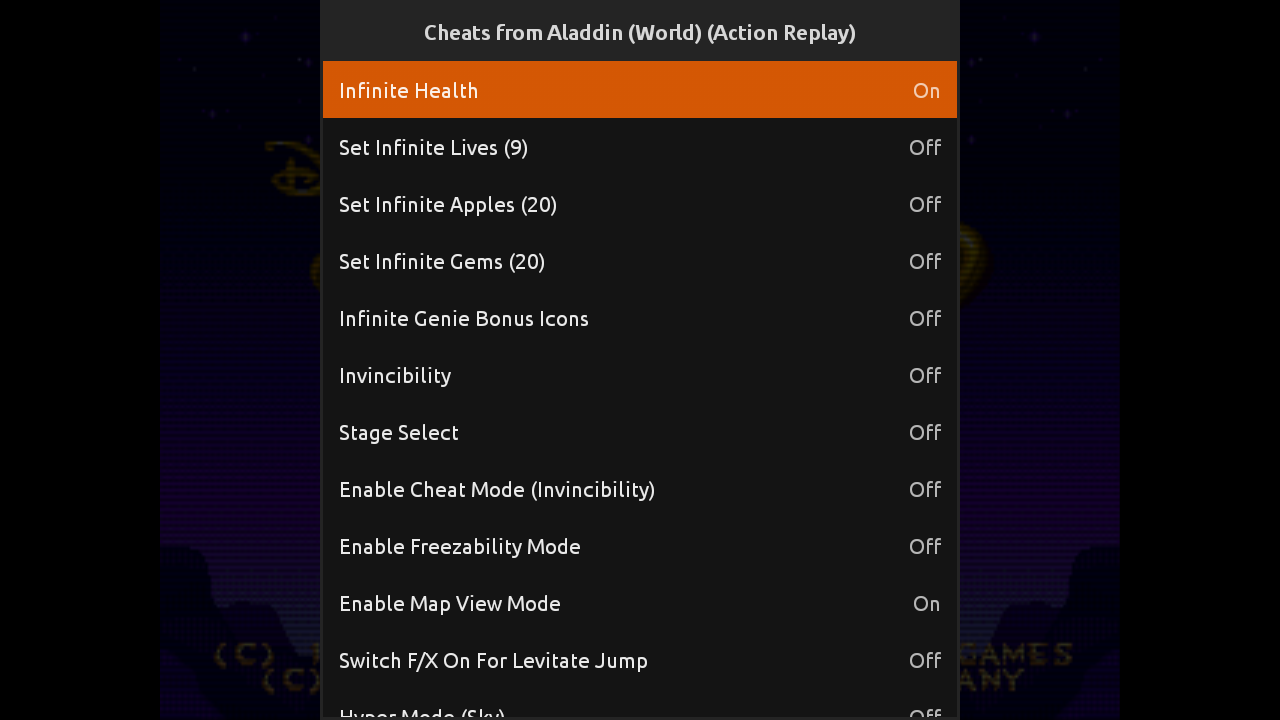
One of the features that people have requested since the beginning of RetroX is the support for cheats. RetroArch and many MAME emulators have this feature included so a lot of people take it for granted, now RetroX has joined the club.
As always, RetroX makes it really easy to enable cheats for your games, you have to do nothing: RetroX will automatically get and install the cheats for you.
There are two types of chats: Consoles and MAME. Consoles have their own mechanism through “codes”, these codes are well known and shared among the users for years and they were created using cheating devices like Action Replay or Game Genie. The guys from RetroArch have created a database with these codes, and RetroX will get the ones available for your game. If there are more than one set of codes, you will be able to select your favorite set.
Cheats for consoles
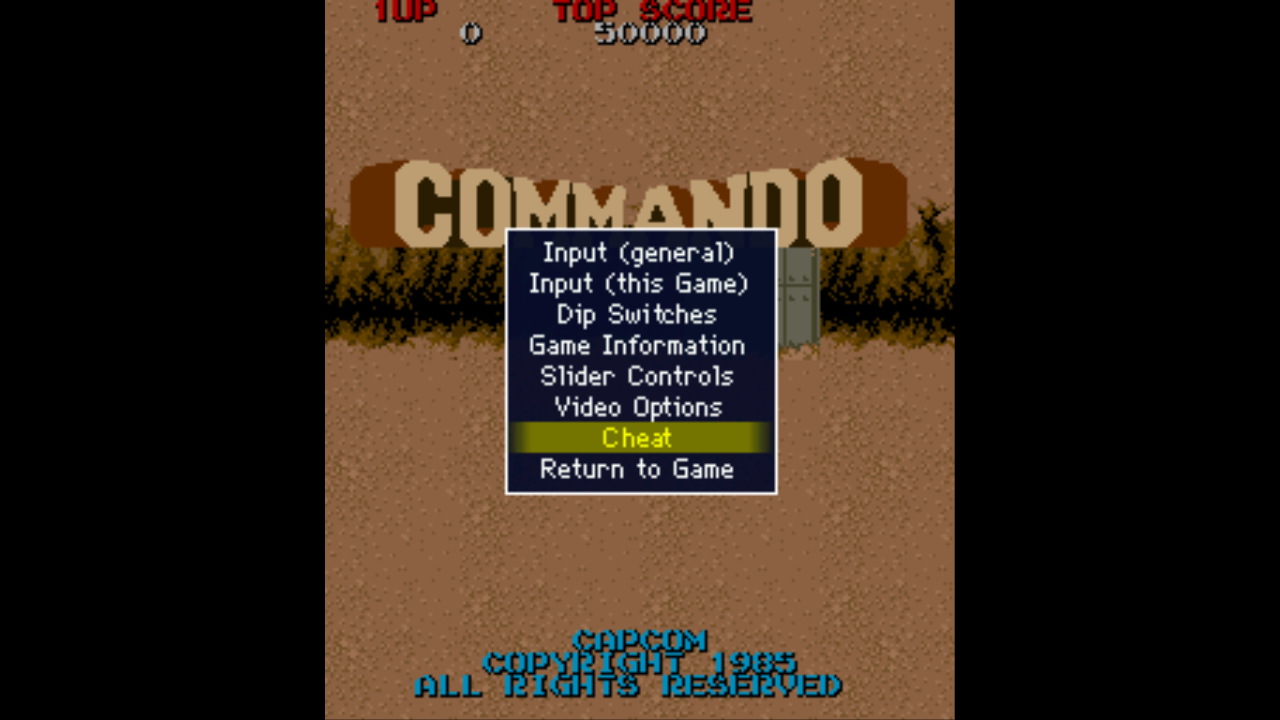
Cheats for MAME are more universal and they are distributed as files depending on the version of MAME that you want to use. RetroX will get the right file for your selected MAME version. Once in the game, open the internal MAME menu using R2+L2 or through the classic in game RetroX menu, then select “cheats”.
Cheats for MAME
Lately RetroArch has included it’s own cheat mechanism for consoles that didn’t have cheating devices. At this moment they say that the available cheats are not tested enough and they were created automatically, RetroX doesn’t support this method yet, but it may do it in the future.
MAME internal menu
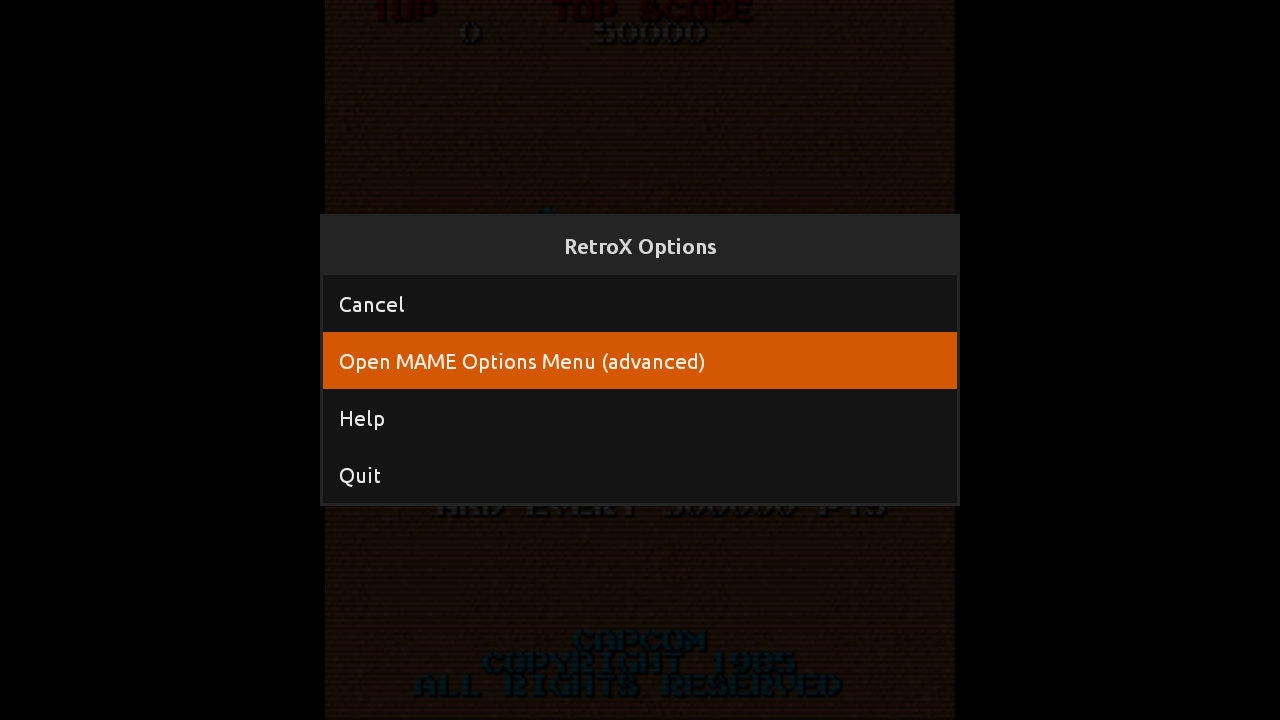
As you may have noticed, now the internal menu from MAME is easily available in RetroX. Until now, only some MAME versions had access to that menu and many people enabled it by accident when pressing R2. We’ve changed the MAME code to bring that menu only when pressing L2 + R2, also we have disabled some settings that we thought are too advanced or confusing.
A new feature has been added to RetroX to allow using different user interfaces for the same application, this is known as Themes.
The main focus of RetroX has always been to make playing retro games the as easy as possible, just select one game and RetroX will do the best it can to run that game. How the app looked was important but second in priority, we just wanted to provide a clean look inspired of what apps like Plex and Netflix were doing at that time (2015). As time passed other emulation frontends began to do a great job on their user interfaces and given that the ease to use was well established in RetroX it was time to give some love to the way RetroX looks.
Themes is nothing new, and in fact we think that Emulation Station (ES/RetroPie) has a great themeing system, so instead of creating something completely new with all the risks involved, we made a theme engine to easily port ES themes or just create new ones from scratch.
For now, themes is not enabled by default, it is designed for TV boxes only and marked as Experimental. We’ve been testing it for a long time with many beta users but there are always some surprises when new features are exposed to all the RetroX users.
To enable Themes go to Settings -> Display -> User Interface -> TV + Themes Theme selector
Built in themes
RetroX comes with three built in themes, one inspired in the classical clean look (RetroX Classic) and two simple themes with a light and dark mood (Plain Light, Plain Dark), but this is just the beginning, we will be adding more themes in future releases.
While in development we ported the popular Comic Book to RetroX just to test the theme engine and it looks great, that is the theme that most people have seen in our video previews of themes, but the authors of Comic Book forbid commercial distribution so we cannot include it built in RetroX, yet users can add it to their RetroX setups manually (more on that below).
RetroX Classic Theme
Background music
Together with themes we added a feature to have background music. In the past, several videos used background music when showing RetroX, and that music gave some kind of life to RetroX, now it’s a built in feature. Of course there are options to select songs or simply shut off the music, so users are always in control.
How to add themes and music
Adding themes and music is as easy as copying files to your device, you only need to know where your “retrox.data” folder is. This is commonly located under /sdcard/ but that varies from device to device.
Themes: They are distributed as .zip files and must be copied to the retrox.data/themes folder. You can try with ComicBook or NES Mini unofficial ports.
Music: They go to the retrox.data/music folder. Currently we only support modtracker formats like .mod, .s3m and .it. There are tons of songs to choose from in modarchive.org.
As it happened with ComicBook, we used several songs by Lizardking in our demos of RetroX, but we were unable to contact him to use his music built in RetroX. If you liked those demos you can find the songs Compulsion to Obey and Desert Down here.
The future
This is just the beginning. The plans for Themes is still a long way to go, this release was done because we didn’t want you to wait any longer.
We will release a themes tutorial so other people can create themes and we plan to put the best themes available for download from RetroX, yes: online themes.
We also want to add more theme styles that will allow different kinds of navigation or game display, video snaps, automatic collections (NeoGeo, Capcom, etc).
Retro gaming in new TV sets always have the problem of not using the full screen. Personally I don’t like to stretch the image but at the same time I don’t like to have the empty spaces / black bars at the sides. Some emulators put an image to cover the black area but that has the problem that for some games it just doesn’t match, then I watched some videos that added a live background with the images of the game itself, with a bit of blurring and I thought that it was awesome.
So I spent some time working on the idea and I made it for RetroArch. RetroX uses a rather old version of RetroArch (1.2.2) and I don’t know if they have done it in new versions, but at least our version will have it. Now I will play with it a little before releasing it to the public as an option, and hopefully I will add the same to the other emulators used in RetroX.
At the same time, I announce our new RetroX exclusive YouTube channel where you can follow the development of new features and anything RetroX related. Don’t forget to subscribe to receive the updates!
Lately I’ve been thinking a lot about why other frontends are so popular while they are only “front-ends”. Don’t take me wrong, I know that they have a lot of work behind, but I honestly think that RetroX is way ahead of most Android frontends in terms of ease of use and features. Only that it seems that this is not enough.
Watching videos in YouTube I find a lot of reviews of RetroPie / Emulation Station and some reviews of other frontends for Android presented as “the best”. Sometimes I write to the authors of those videos and they have never heard of RetroX before.
I have come to the conclusion that a lot of people is attracted by visuals, and I remember the old days of Linux when a lot of people wanted to install it just to have “The 3D cube”. So their rationale is to be attracted first and then try to figure out how to make it work, and probably it doesn’t matter how hard it could be, they just want to have what they saw. (It happened a lot with Linux circa 2004). The approach of RetroX has been the oposite, give the best technology to make the process easier, but if people is not attracted first, they will never get to that point.
Personally I prefer a clean view, soft colors, smooth fonts, but that’s me! Other people clearly prefer more “joyful” views. I’ve received some comments about this from several people (Allan Mcdonald, Lee Conduit and others) but I was too focused in other priorities that I didn’t worry much about it. I should add that one of my reasons to say “no” is that I thought I would spend a lot of time finding the appropiate colors, icons, background etc. Time that I prefer to focus on new features.
But now I opened my mind about it.
I will add a new “view/layout” to RetroX to make it themeable by anyone. This will allow other people to use their own skills and tastes to create their own realization of how RetroX should look. I’ll keep the current modes and will add a new “themeable” mode. From what I’ve seen in EmulationStation with a few elements people can create really beautiful themes, so I think that this will take RetroX to new unexplored grounds.
Why not before? May be I wasn’t aware of how communities can add their own views of what is best. Yes, I’m a bit of a dictator in RetroX but this new theme system will compensate my lack of graphical skills. I can provide the foundations and anyone interested will be able to build over it, something that was brought back to my mind after opening the source code of the RetroX libraries.
The above post was published in the RetroManiaUK group on Facebook, on Aprils 1st, but it is not an April fools joke. A few days ago I started to work on this feature, and it is looking good!
This is such a frequently received question, that we felt it deserved a dedicated response.
Regular launchers only need to send the ROM file to the emulator, nothing else. In this sense, adding emulators would be a simple enough process. However, RetroX is a truly unique “frontend”, that can do so much more.
Often front ends will just use RetroArch to support a range of platforms, but this doesn’t include those that use a keyboard, mouse or a joystick. These systems just do not work on RetroArch (Android). In fact many of the systems found within RetroX aren’t even supported by RetroArch (Amiga, MS-DOS, Atari computers, etc).
RetroX on the other hand can (and does) make desktop based games run as if they were on a console. There are still several improvements that can be made to RetroX to improve the experience for the user, but rest assured – we will. However the point I’m making is that we can!
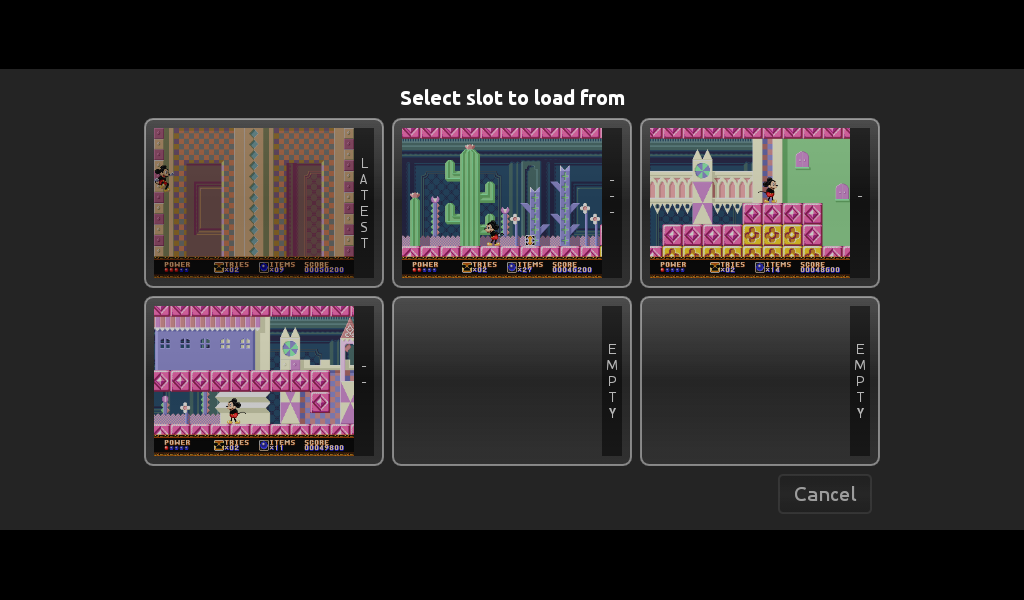
Save / Load states in the Cloud
Adding a new emulator to RetroX is not as easy as you may think. It’s not just a case of directing the ROM to the emulator. You also need to integrate each emulator (with all their own unique quirks) into the unique features of RetroX.
This requires us to take the original emulators source code and making the distinctive modifications required to be compatible. Be that Universal Controller Setups, Android TV compatibility or the most complicated of all, cloud based save states (and memory cards) which use the standard RetroX interface. This last point often requires additional code to be added for image processing to incorporate screenshots into our unique multi-slot save feature, all of which must be coded from scratch.
Adapting systems already within the RetroArch platform is a fairly simple process. However, many of the emulators integrated within RetroX are standalones, all of which again require coding from scratch (including the most challenging of all – desktop based platforms).
But we love computer games!
RetroX compatible emulator
As our developer resources are scarce (mostly me, Franco), we have to set priorities in the way new features and new emulators are added to RetroX. Sometimes there are small fixes or features that may only take a few hours, but others can require weeks or even months of work. Recent examples being the ability to add games from network based storages (cloud, NAS), or the code for cloud based save states which required changes to be applied and tested to each of the supported emulators.
To help improve the regularity of new features and improvements I made the decision several weeks ago, to adapt my working style to allow me to simultaneously work on both long term and short term features (who says men can’t multi-task). However, what has become apparent is that whatever approach we take, there will always be bottle necks.
So, in an effort to reduce your levels of anxiety, I can declare which emulators we want to include within RetroX in 2017, and in which order.
I hope that this will help to reduce the amount of questions that I receive (and answer) on this subject.
In the meantime, we will continue adding new features to RetroX, with plans already in place to improve functionality in several of the existing emulators we support. Including: