This is such a frequently received question, that we felt it deserved a dedicated response.
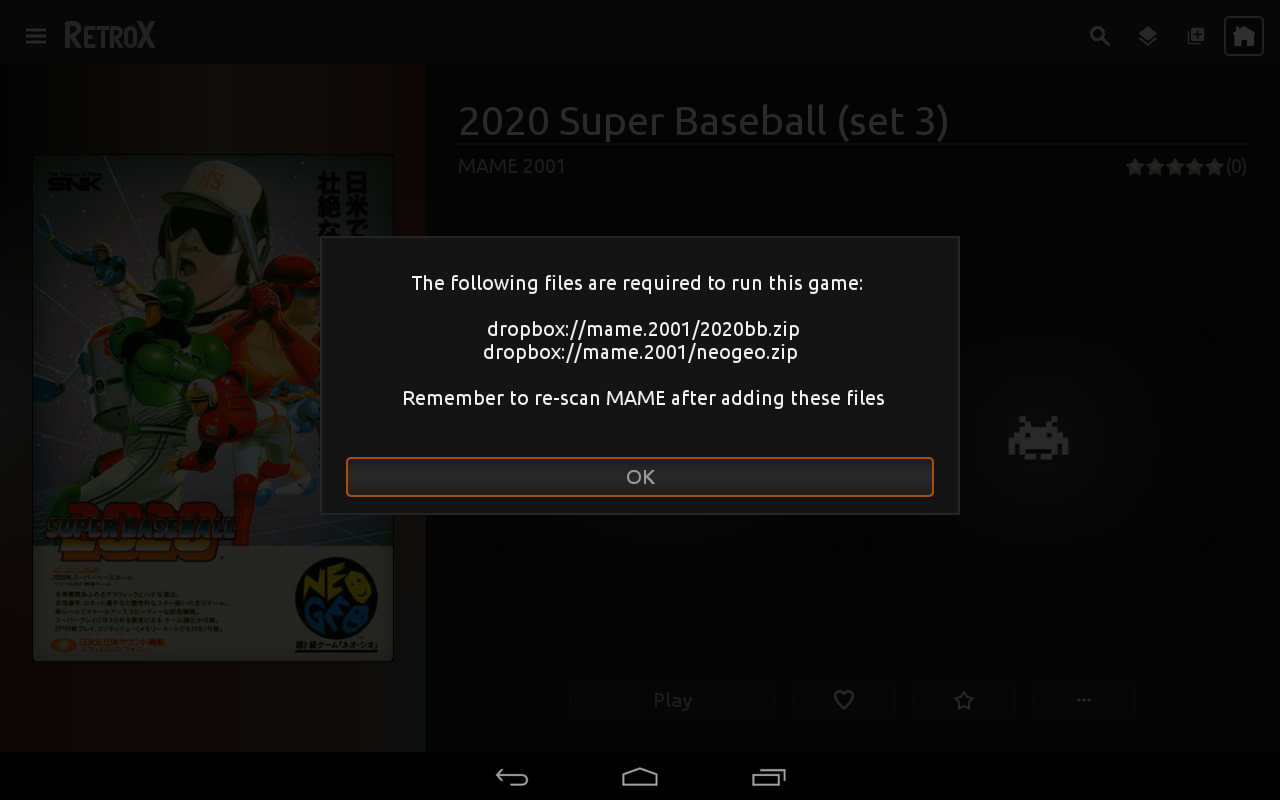
Regular launchers only need to send the ROM file to the emulator, nothing else. In this sense, adding emulators would be a simple enough process. However, RetroX is a truly unique “frontend”, that can do so much more.
Often front ends will just use RetroArch to support a range of platforms, but this doesn’t include those that use a keyboard, mouse or a joystick. These systems just do not work on RetroArch (Android). In fact many of the systems found within RetroX aren’t even supported by RetroArch (Amiga, MS-DOS, Atari computers, etc).
RetroX on the other hand can (and does) make desktop based games run as if they were on a console. There are still several improvements that can be made to RetroX to improve the experience for the user, but rest assured – we will. However the point I’m making is that we can!
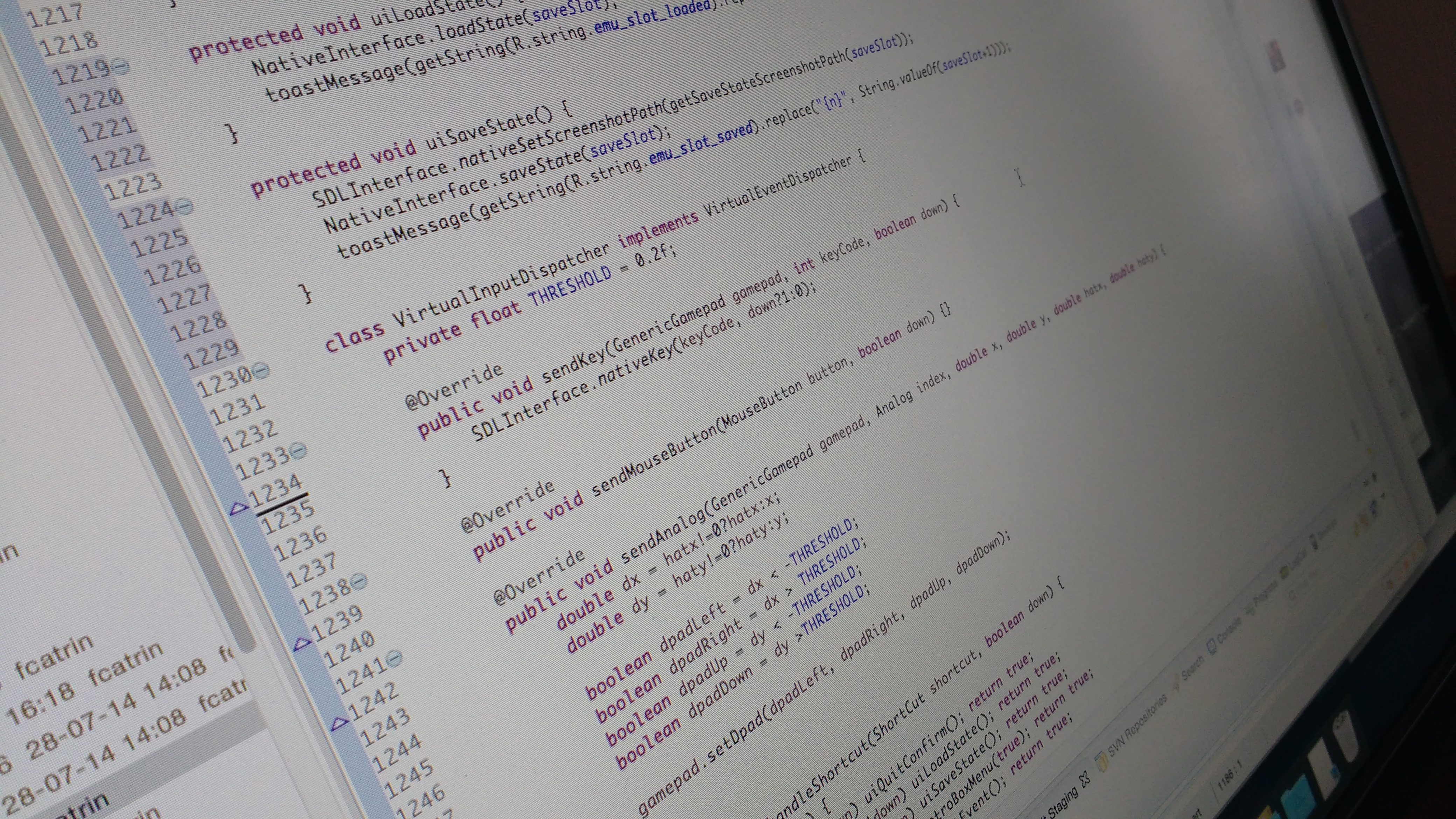
Adding a new emulator to RetroX is not as easy as you may think. It’s not just a case of directing the ROM to the emulator. You also need to integrate each emulator (with all their own unique quirks) into the unique features of RetroX.
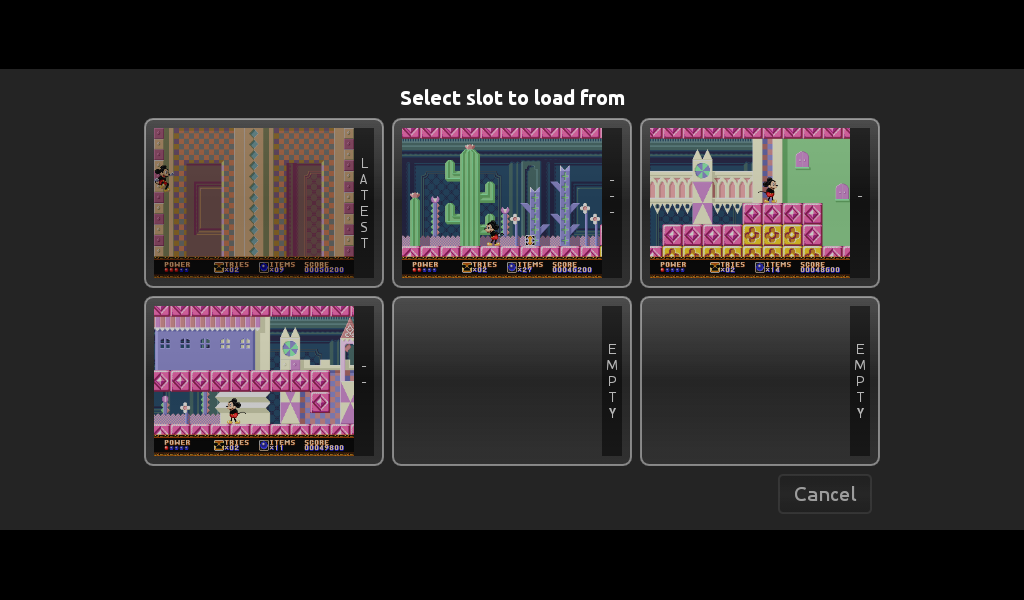
This requires us to take the original emulators source code and making the distinctive modifications required to be compatible. Be that Universal Controller Setups, Android TV compatibility or the most complicated of all, cloud based save states (and memory cards) which use the standard RetroX interface. This last point often requires additional code to be added for image processing to incorporate screenshots into our unique multi-slot save feature, all of which must be coded from scratch.
Adapting systems already within the RetroArch platform is a fairly simple process. However, many of the emulators integrated within RetroX are standalones, all of which again require coding from scratch (including the most challenging of all – desktop based platforms).
But we love computer games!
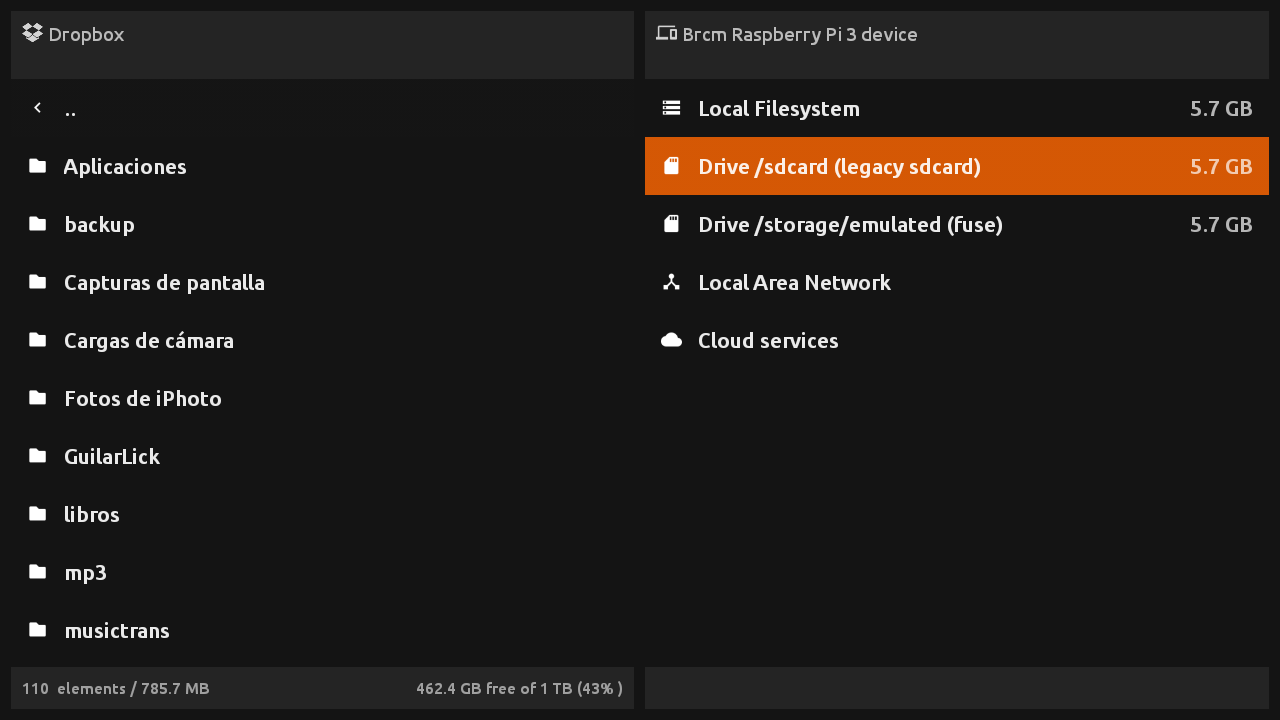
As our developer resources are scarce (mostly me, Franco), we have to set priorities in the way new features and new emulators are added to RetroX. Sometimes there are small fixes or features that may only take a few hours, but others can require weeks or even months of work. Recent examples being the ability to add games from network based storages (cloud, NAS), or the code for cloud based save states which required changes to be applied and tested to each of the supported emulators.
To help improve the regularity of new features and improvements I made the decision several weeks ago, to adapt my working style to allow me to simultaneously work on both long term and short term features (who says men can’t multi-task). However, what has become apparent is that whatever approach we take, there will always be bottle necks.
So, in an effort to reduce your levels of anxiety, I can declare which emulators we want to include within RetroX in 2017, and in which order.
I hope that this will help to reduce the amount of questions that I receive (and answer) on this subject.
Here is the list:
Sega Dreamcast3DOCommodore C64Sega SaturnZX Spectrum- GameCube
Atari ST- Amiga CD32
In the meantime, we will continue adding new features to RetroX, with plans already in place to improve functionality in several of the existing emulators we support. Including:
Improving N64 controller mappings plus compatibility with N64 style controllers like the 8bitdo one.Adding a method to setup computer games without requiring to edit filesAdding an Android TV compatible virtual keyboard to computer games- Adding CD32 for the Amiga
And of course, non-emulator related features like offline support, or better ways to handle multiple versions of the same game etc.
As always, if you have any ideas for new features, then please contact us via our Facebook group or send us a message on Twitter.
We are always listening.